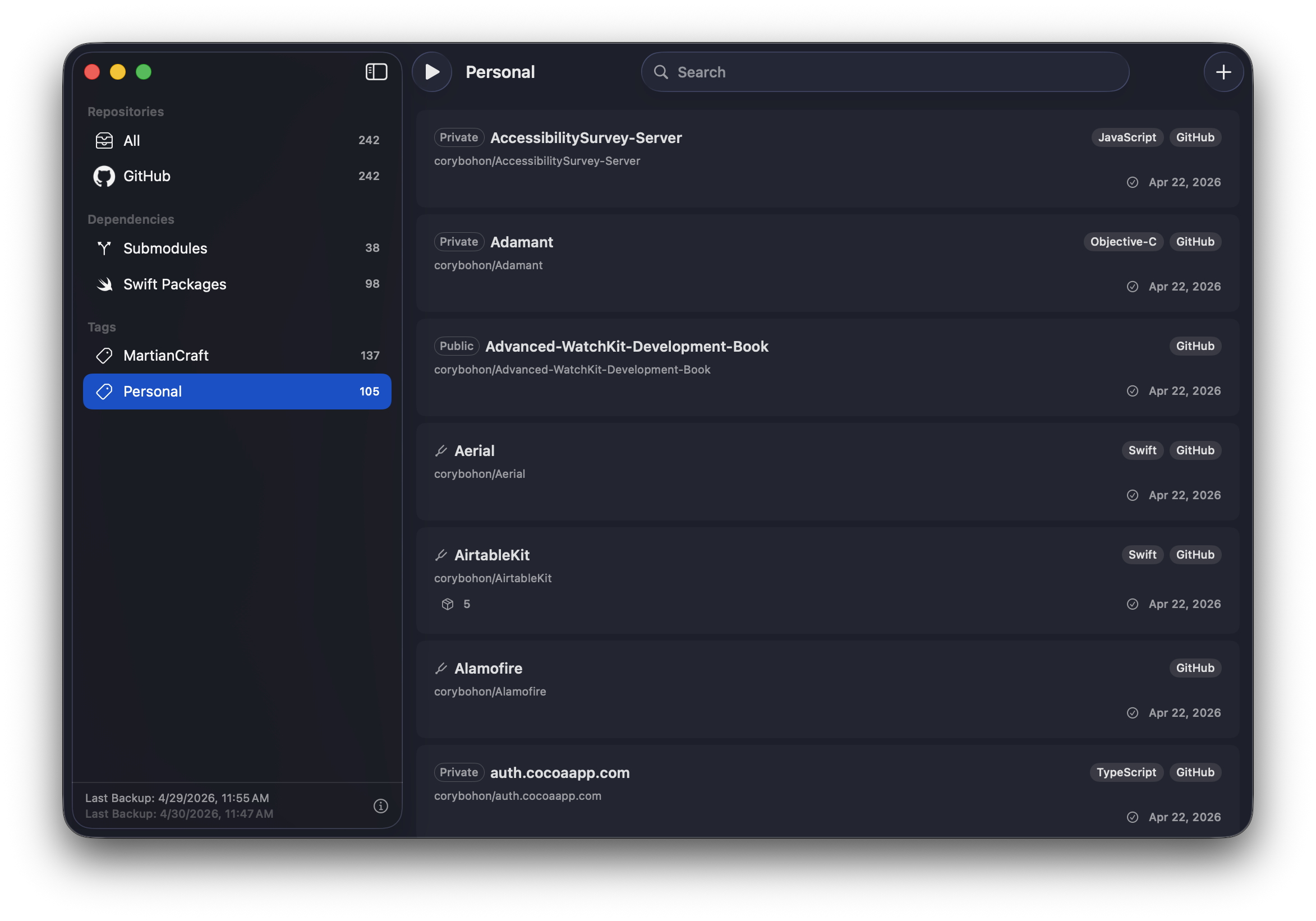
Everything backed up. Nothing in the cloud.
Your repos already live on someone else's servers. Repo Man keeps a copy that's entirely yours.
Sign in once per provider. Repo Man mirrors every repository — including private, archived, and org repos you have access to.
Scheduled backups how often you want. Smart backups prevents downloading and mirroring when repos contain no changes.
Plugins detect npm, Cargo, CocoaPods, Go modules & more — backing up the upstream repos your code depends on.
Backup to an external SSD, a NAS, DAS, or a mounted rsync share. Your files, your filesystem.
Written in Swift with App Sandbox, App Store and Setapp distribution, and zero external services. Your tokens never leave your Mac.
A tiny JavaScript plugin API for teaching Repo Man how to read new lock files. No build step, no dependencies. Read the developer docs.
Set it up once, then forget it's there.
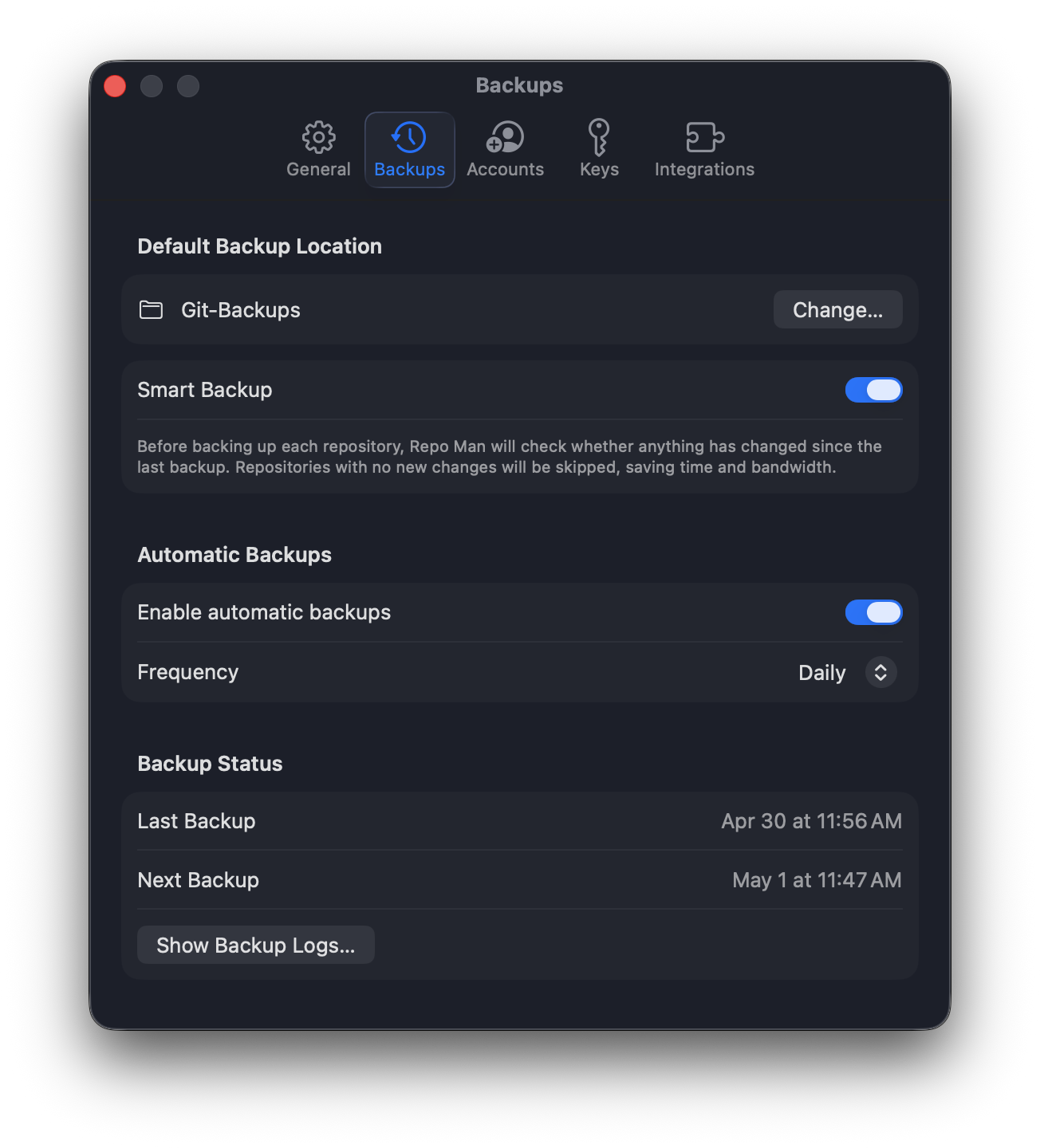
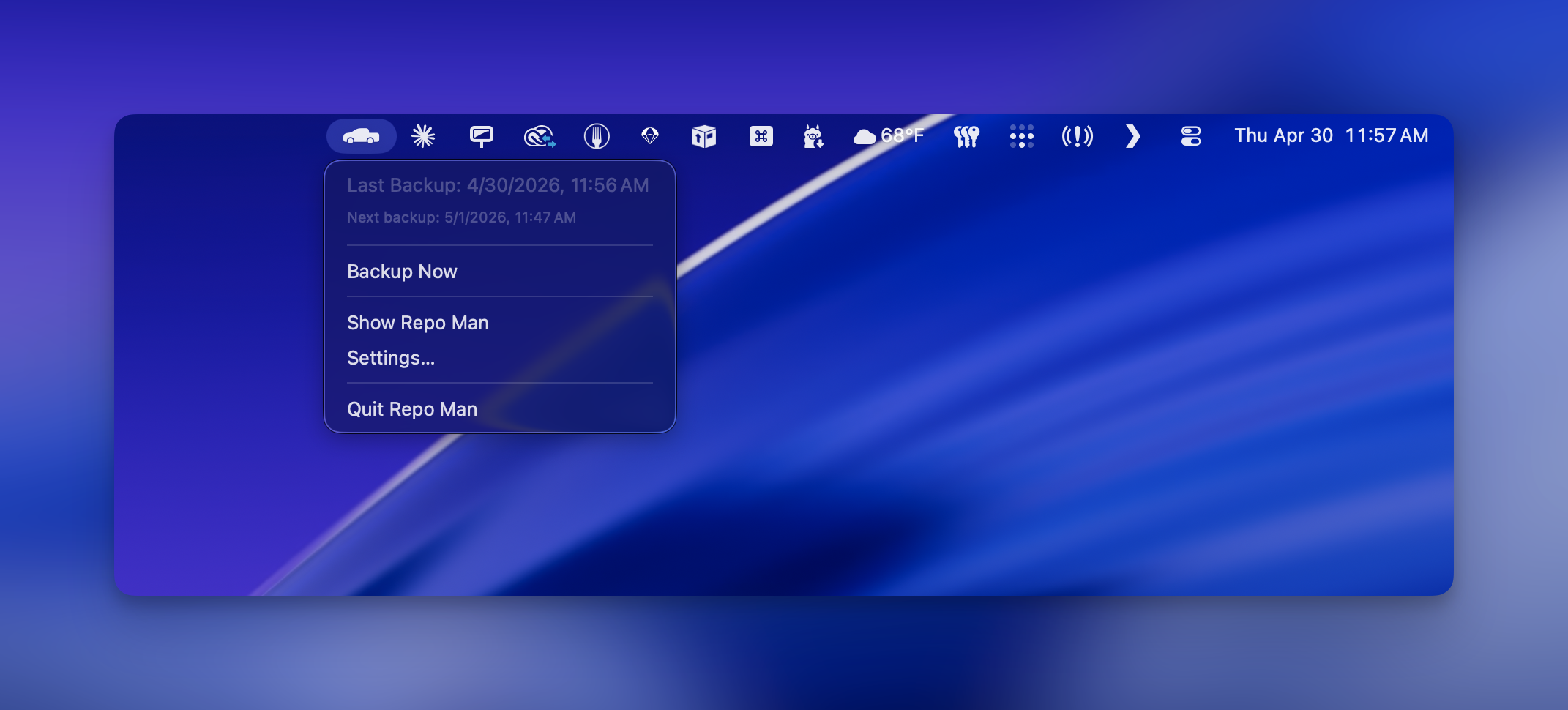
Four steps. Then forget about it.
OAuth with GitHub, GitLab.com, and Bitbucket Cloud. Tokens are stored in your Mac's Keychain — never on our servers. You can also configure SSH Keys if you desire.
Usually an external drive or a NAS mount. Repo Man reflects your account structure as plain folders of bare Git repositories, so you can cd in and clone any one back later.
Daily, Weekly, Monthly or something in between. Missed backups catch up on the next run.
A menu-bar icon tells you everything's fine. Notifications only appear when something actually needs your attention or when it's done to give you peace of mind it's all backed up locally.
Common questions
Where does my code actually go?
Exactly where you tell it to. Repo Man writes bare .git directories into the folder you picked — external SSD, NAS, iCloud Drive, whatever shows up in Finder. We never see your data, and your data never leaves your computer unless you tell it to yourself. Learn more about bare repos and git repo layouts here.
How do I write extensions?
Repo man includes a JavaScript-backed integration pattern that lets you expose dependent git repos from your manifest files to be backed up alongside your codebase. Because a codebase is only as good as its dependencies. Learn more about writing Repo Man extensions here.
What about my SSH keys and 2FA?
We use OAuth device flow for every provider. You approve Repo Man in your browser, the resulting token lives in Keychain, and 2FA / SSO policies on your account apply normally. You can revoke access any time from GitHub/GitLab/Bitbucket settings. GitHub and GitLab allows us to clone repos with OAuth tokens; however if you're using BitBucket an additional step must take place to generate a single-use password for repository access. If you'd rather backup by importing your repo SSH urls manually and use an SSH key, you can import your existing SSH keys or generate new ones inside of Repo Man.
Does it restore repositories too?
Not directly — You will need to restore your bare repository backup to a server or clone it locally if you wish to access the files within the git filesystem. Learn more about putting a bare git repo on a server here.
Can I back up private repos from work?
Absolutely — as long as your account has access. Many companies also have a policy against this, so please check with your employer first. You can use tagging to keep repositories separated.
What's new
Version 1.1
- Adds support for Git LFS, backing up files that rely on Git Large File Storage
- Adds ability to export a clone of the mirrored repository by right-clicking on a repository in Repo Man
- "Smart Backup" setting now applies to .gitmodules, Swift Packages and backups to other custom integrations as well if backed up from GitHub, GitLab or Bitbucket. This means that backups will be skipped for dependencies if the local copy is already up to date, ensuring bandwidth and time are preserved during the backup process.
- Fixed an issue where Bitbucket icon wouldn't appear in the account signup flow.
Version 1.0
- First public release. Thanks for being here.
- GitHub, GitLab.com, Bitbucket and self-hosted repo support.
- Personalized backup schedules.
- JavaScript plugin architecture for custom dependency detectors.
- Built-in detectors: Git submodules and Swift Package Manager.
- Sample plugins: npm, CocoaPods, Cargo, Ruby Gems.