Together Board
A shared cork board for you and the people you love.

iPhone · iPad · Mac · Apple Watch · Apple TV · iPhone Duo
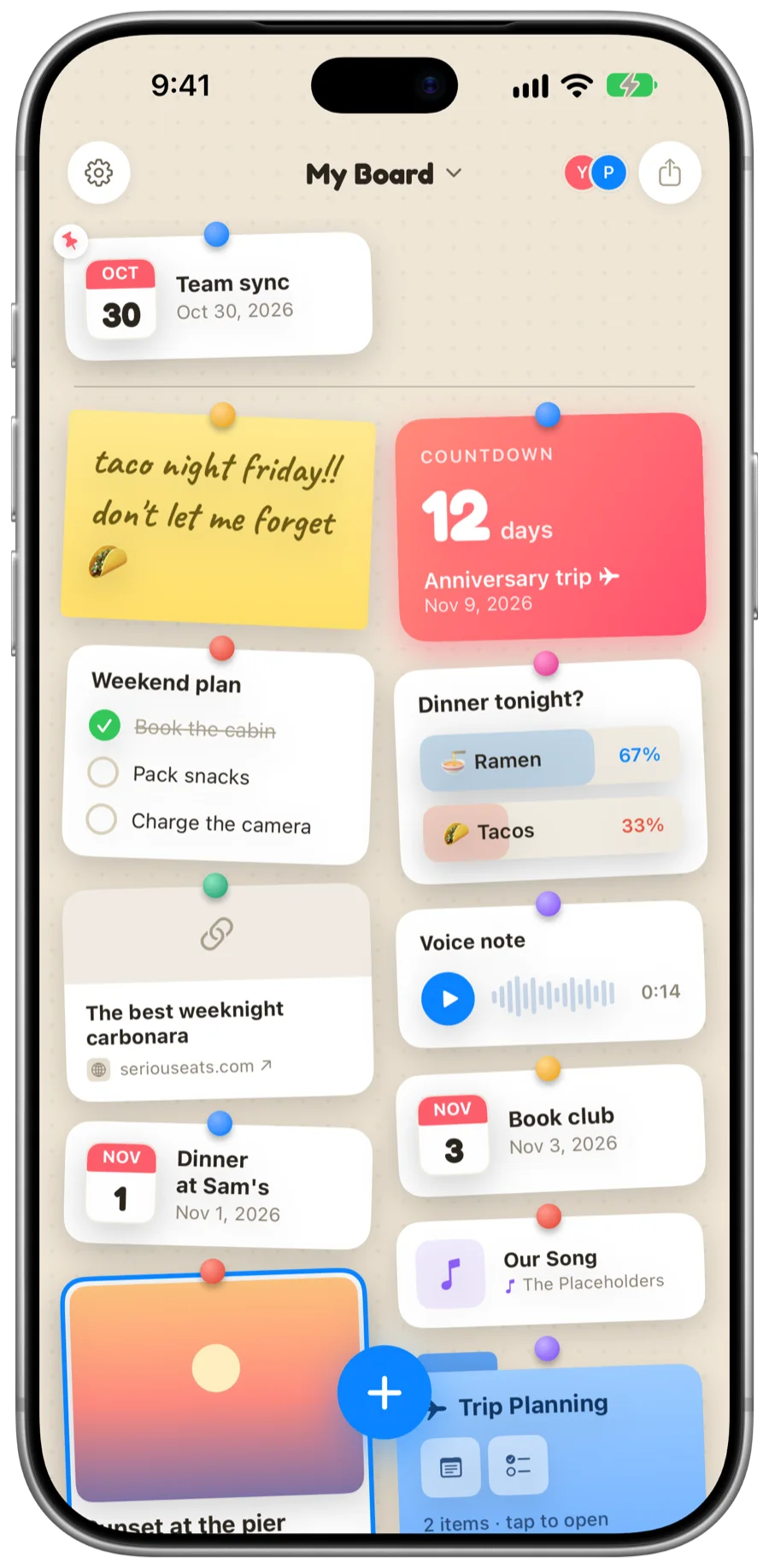
A message thread is a river. Together Board is a wall.
The photos, plans and little notes you share don't scroll away. They stay pinned where everyone can see them, on every device you both own.
-
Pin anything
One board for everything.
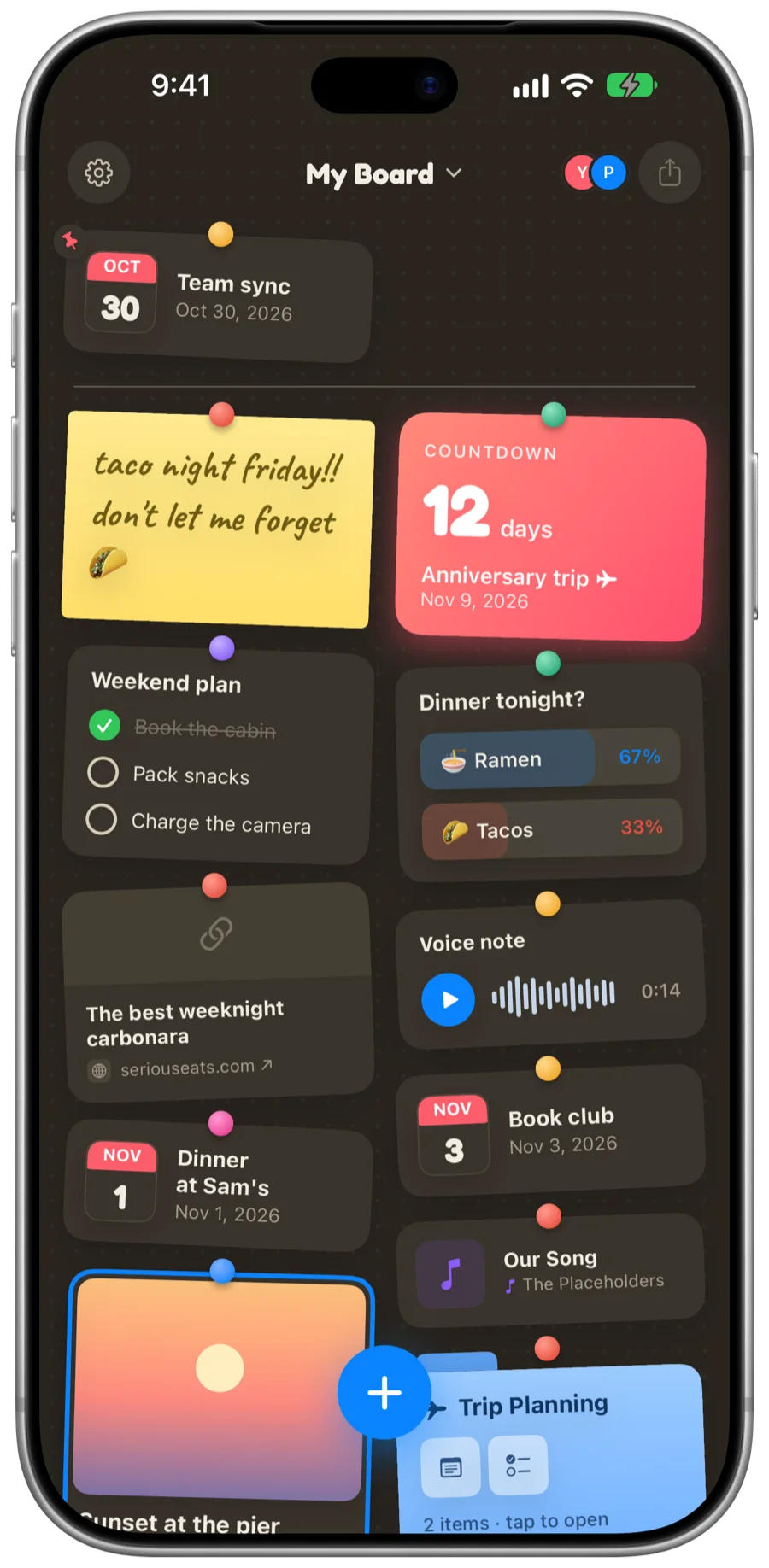
Photos, GIFs and video, files and scans, links, sticky notes and drawings. Pin what matters to the top and drag the rest wherever you like.
-
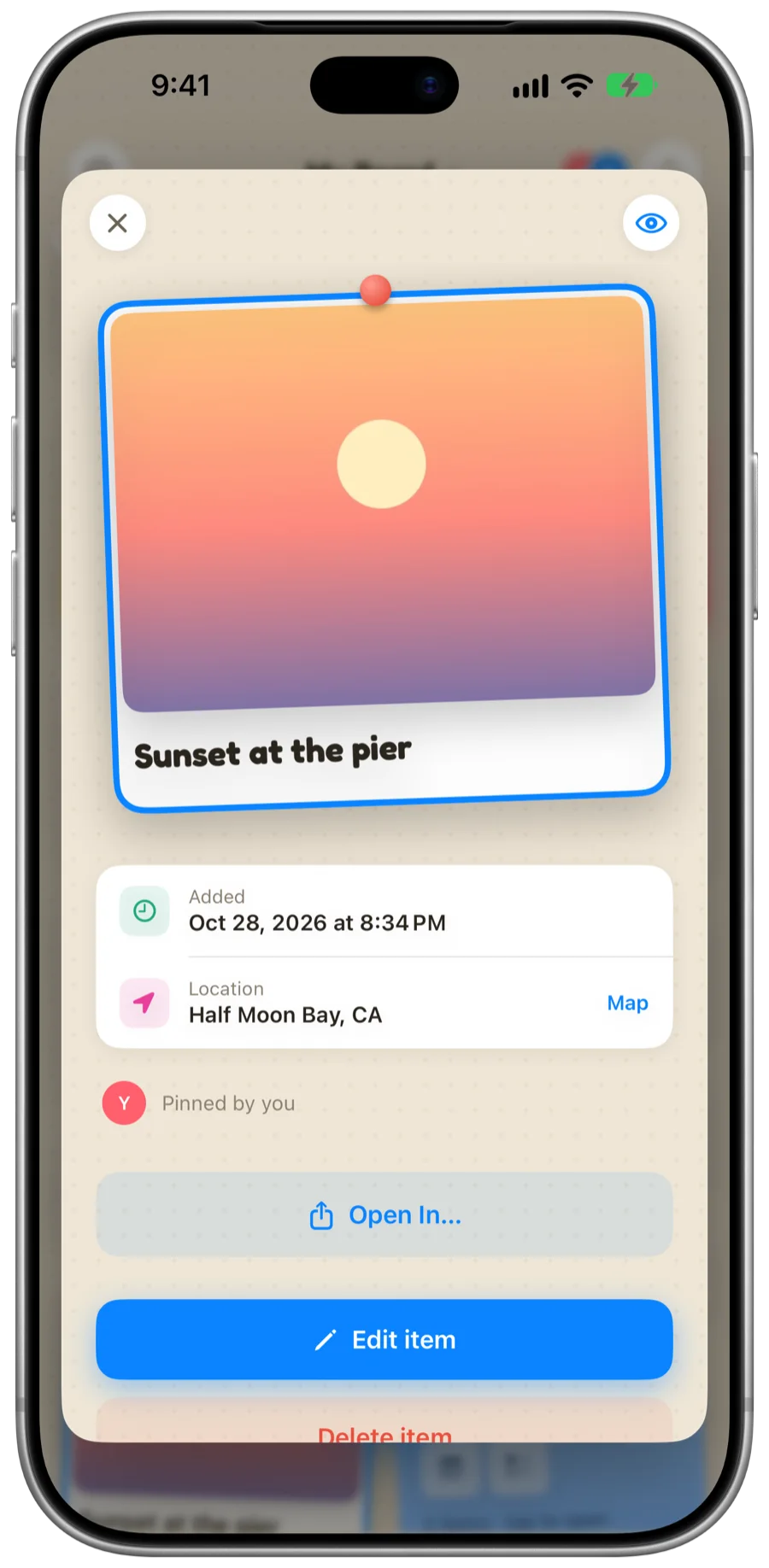
Photos
Pinned like a polaroid.
Tap for the full story: the caption, where it was taken and when.
-
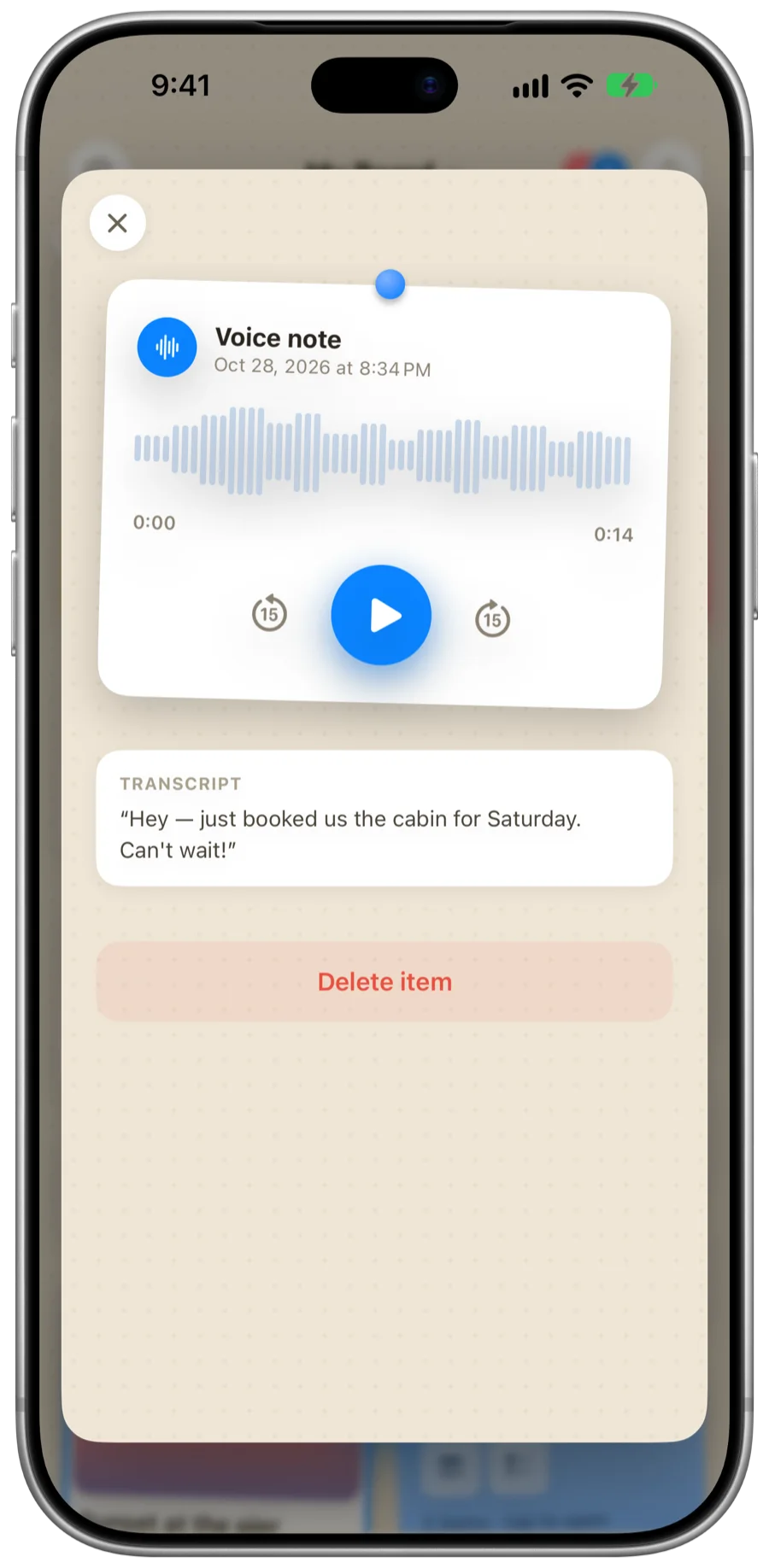
Voice notes
Say it out loud.
Record a voice note with its waveform, and read the automatic transcript when you can't listen.
-
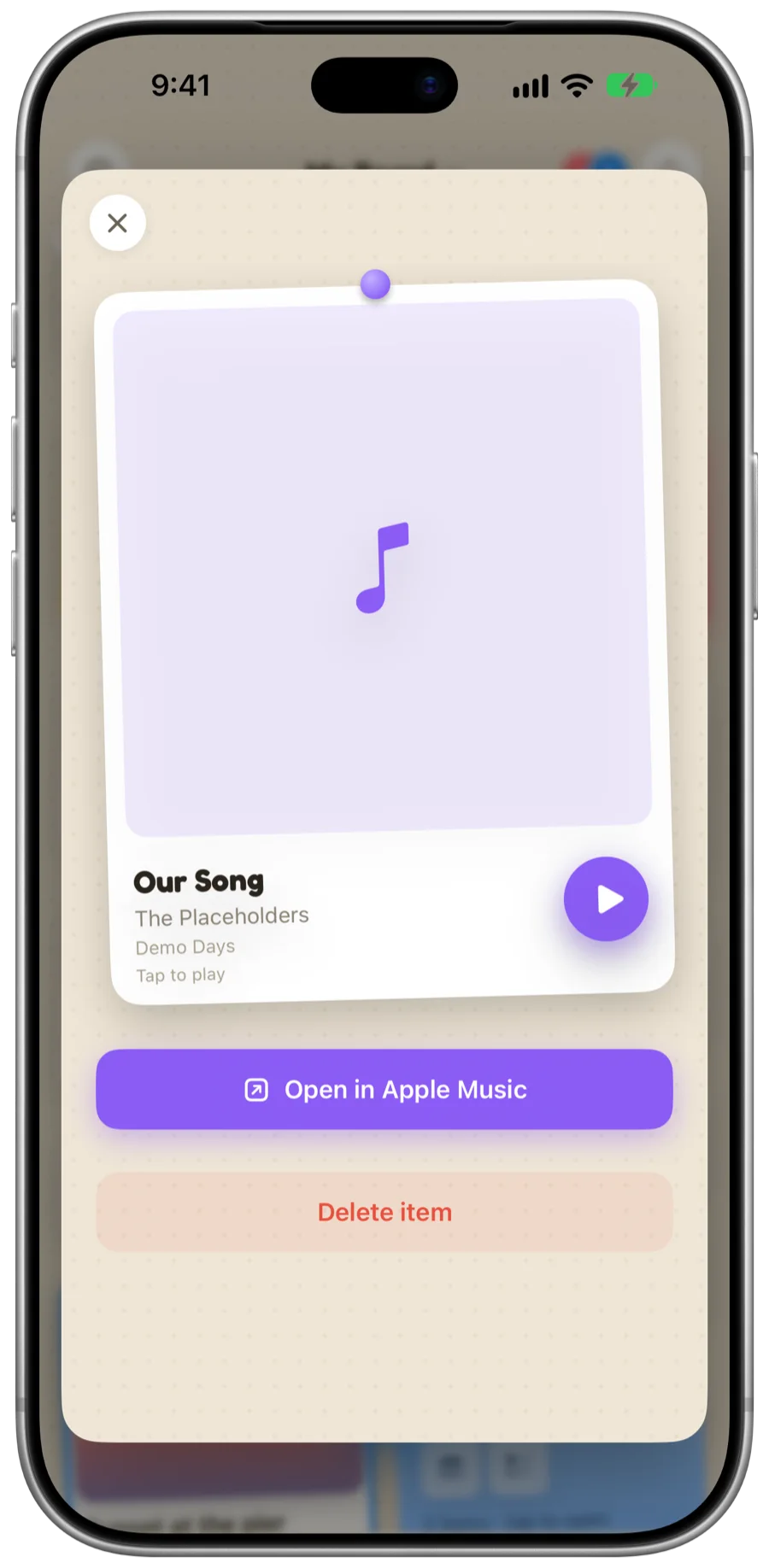
Songs
Our song, on the board.
Pin from Apple Music or your own library and play a preview without leaving the board.
-
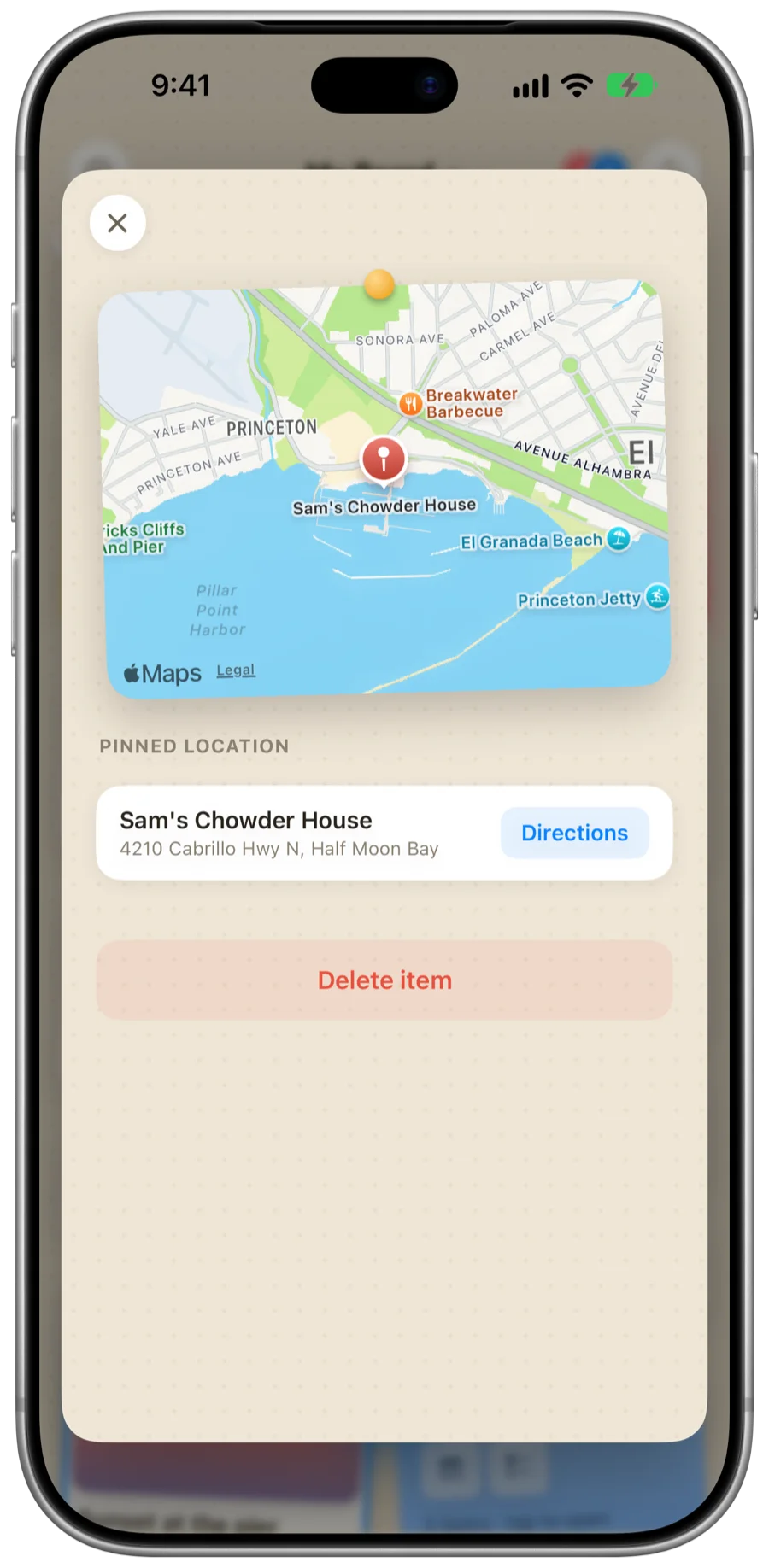
Places
Our spot.
Pin a place with its map, and get directions in Apple Maps or Google Maps with one tap.
-
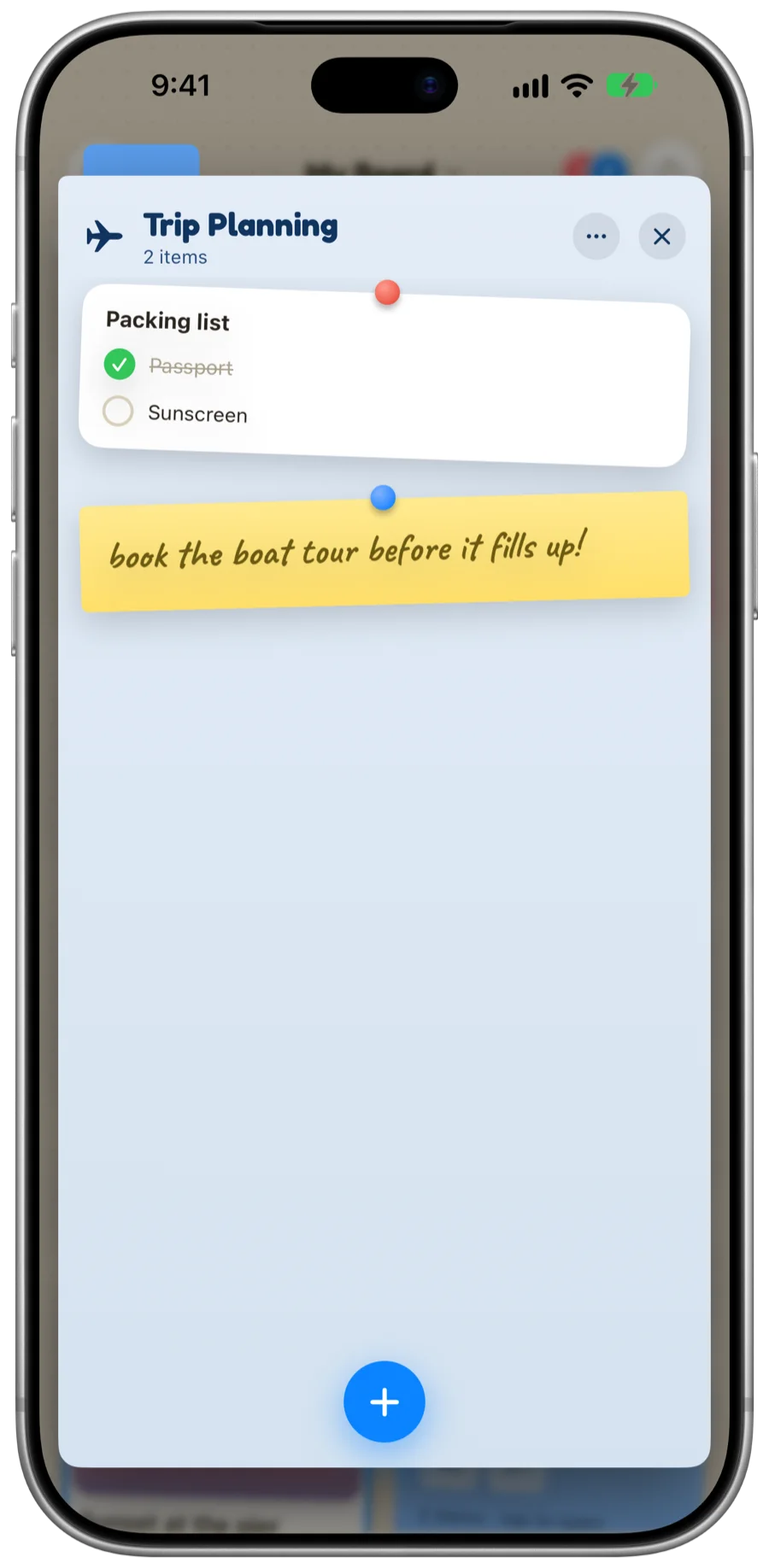
Folders
Keep it tidy.
Folders for trips, recipes and projects open into their own little boards, each with its own color and icon.
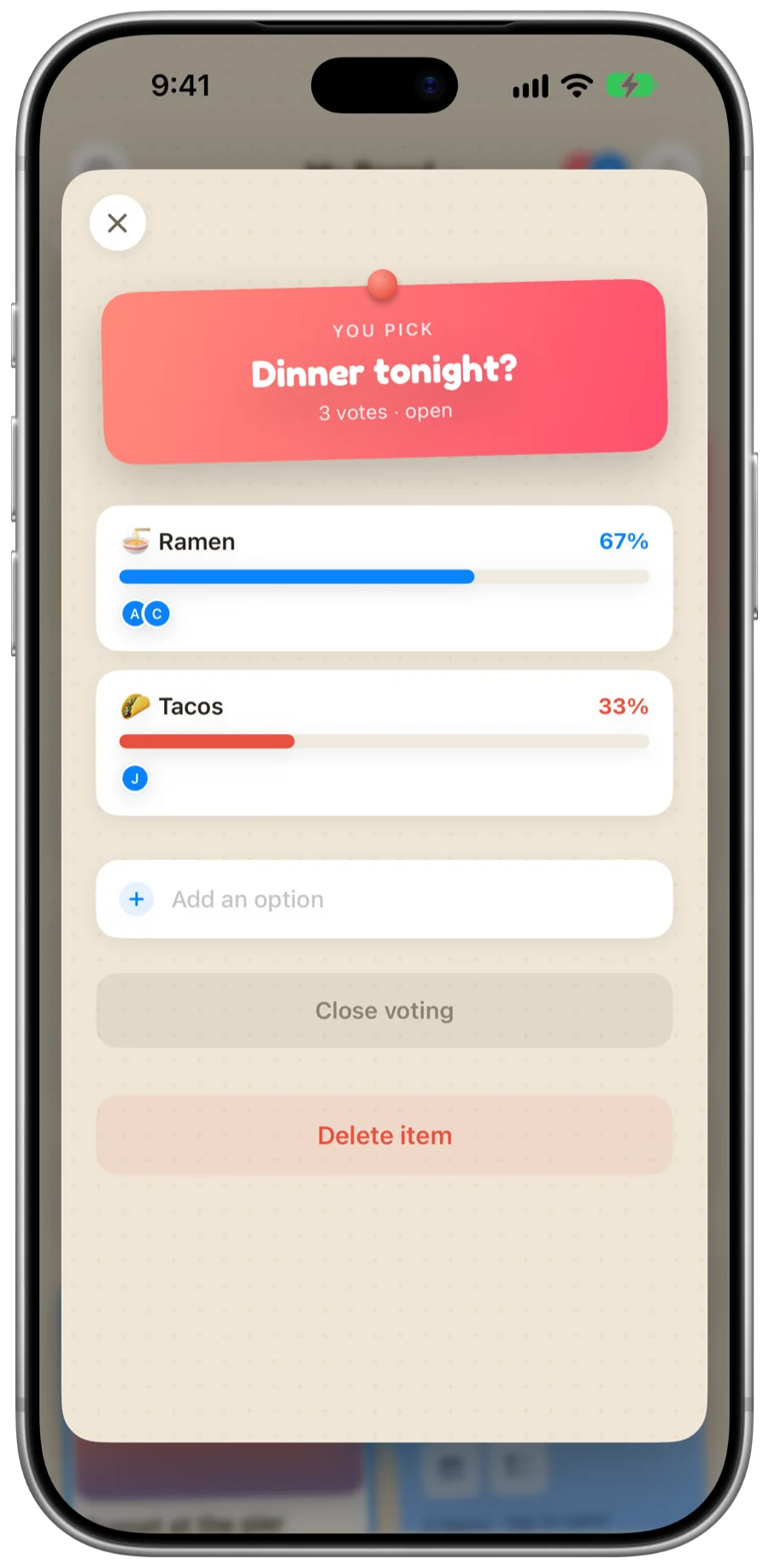
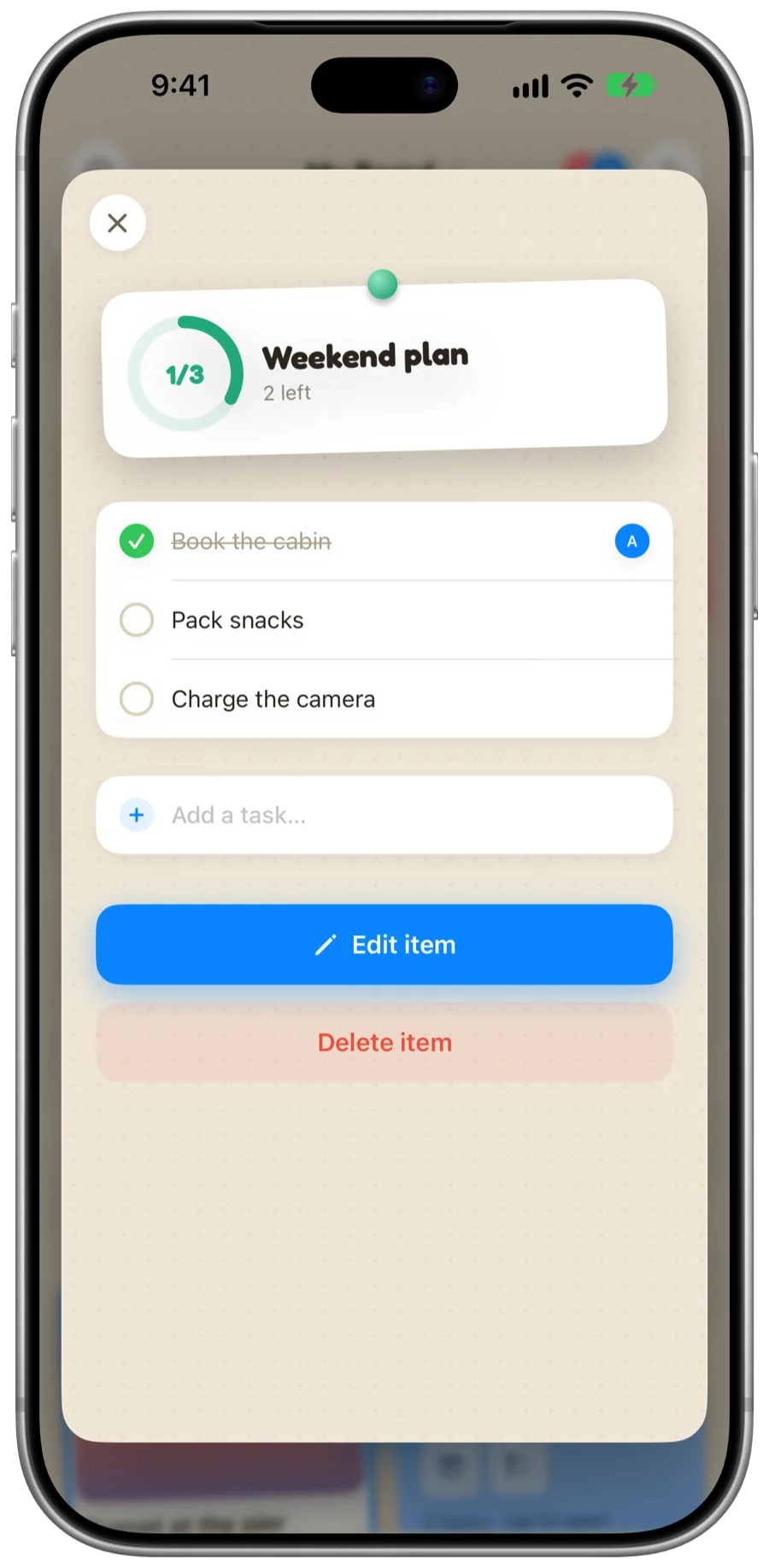
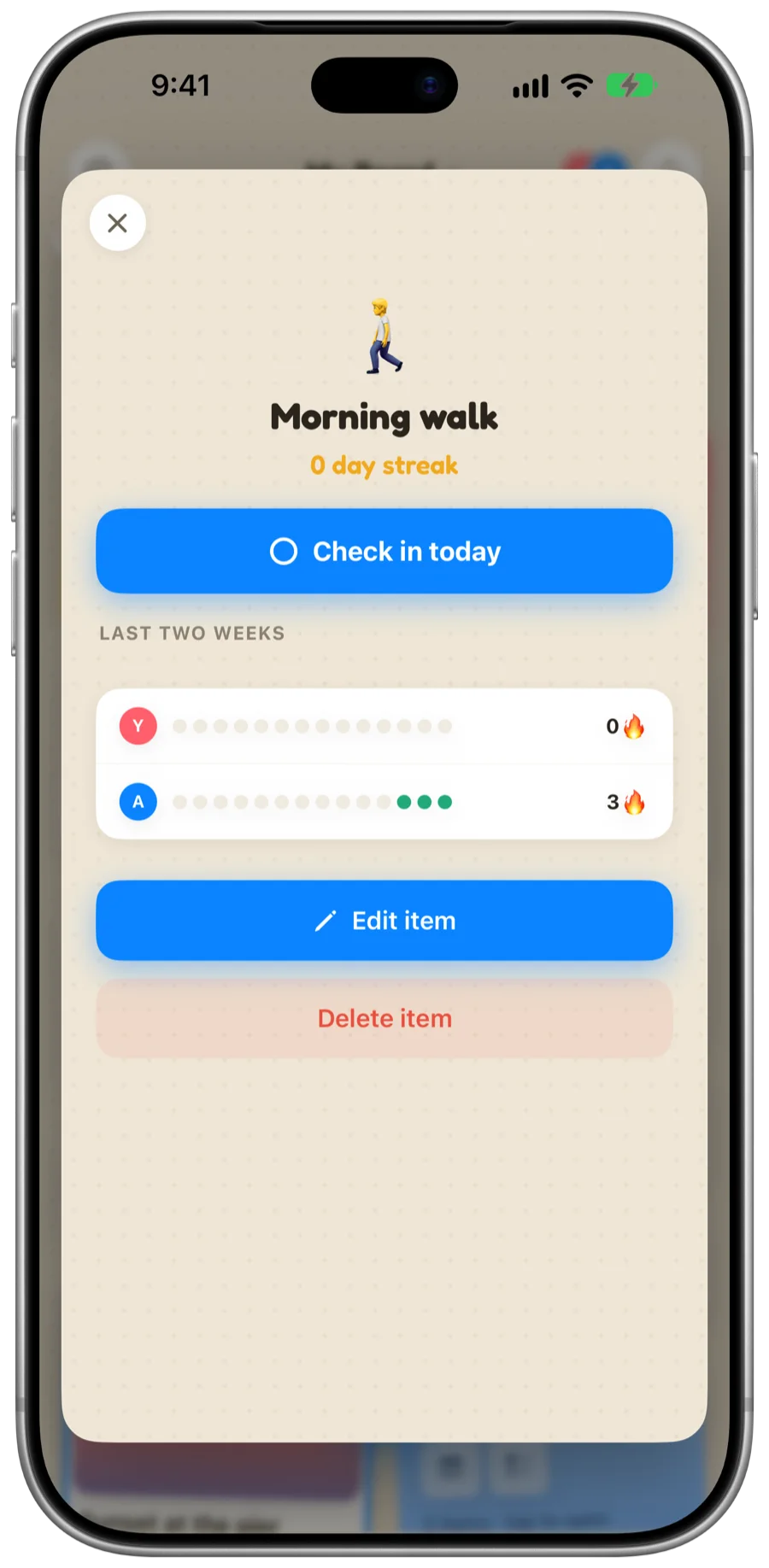
Little rituals, shared.
Votes, check-offs and check-ins land on everyone's board the moment you tap.
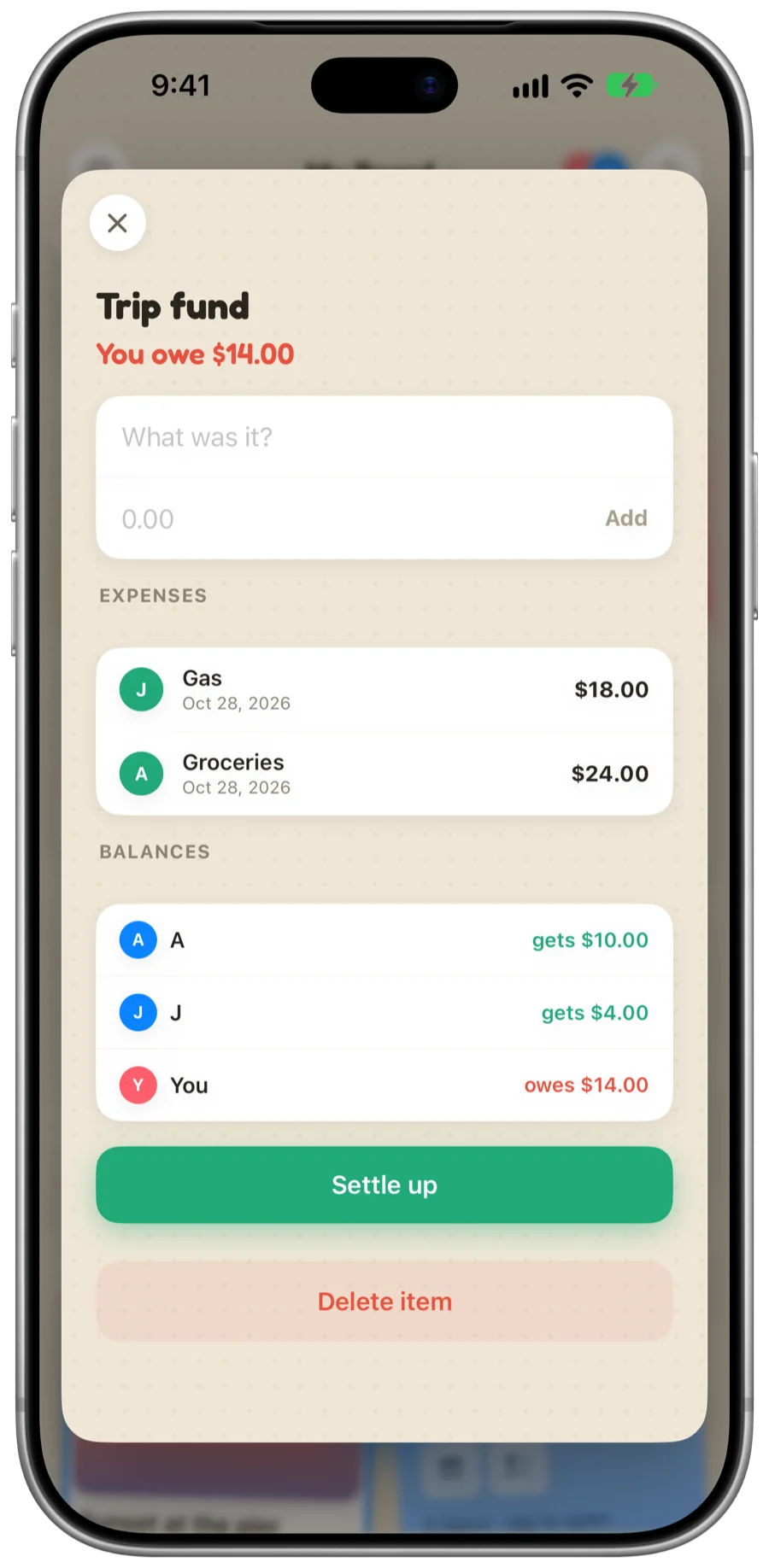
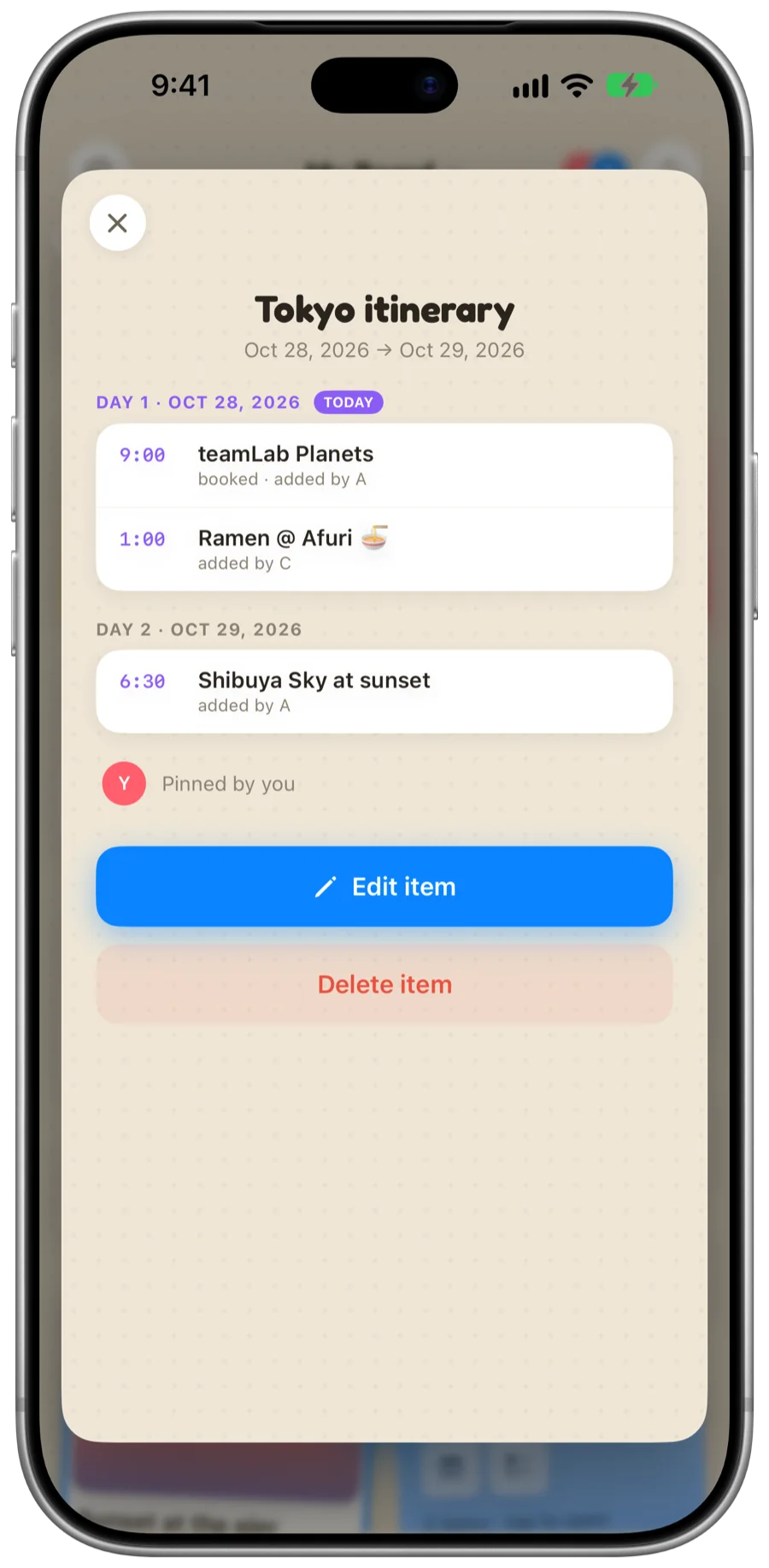
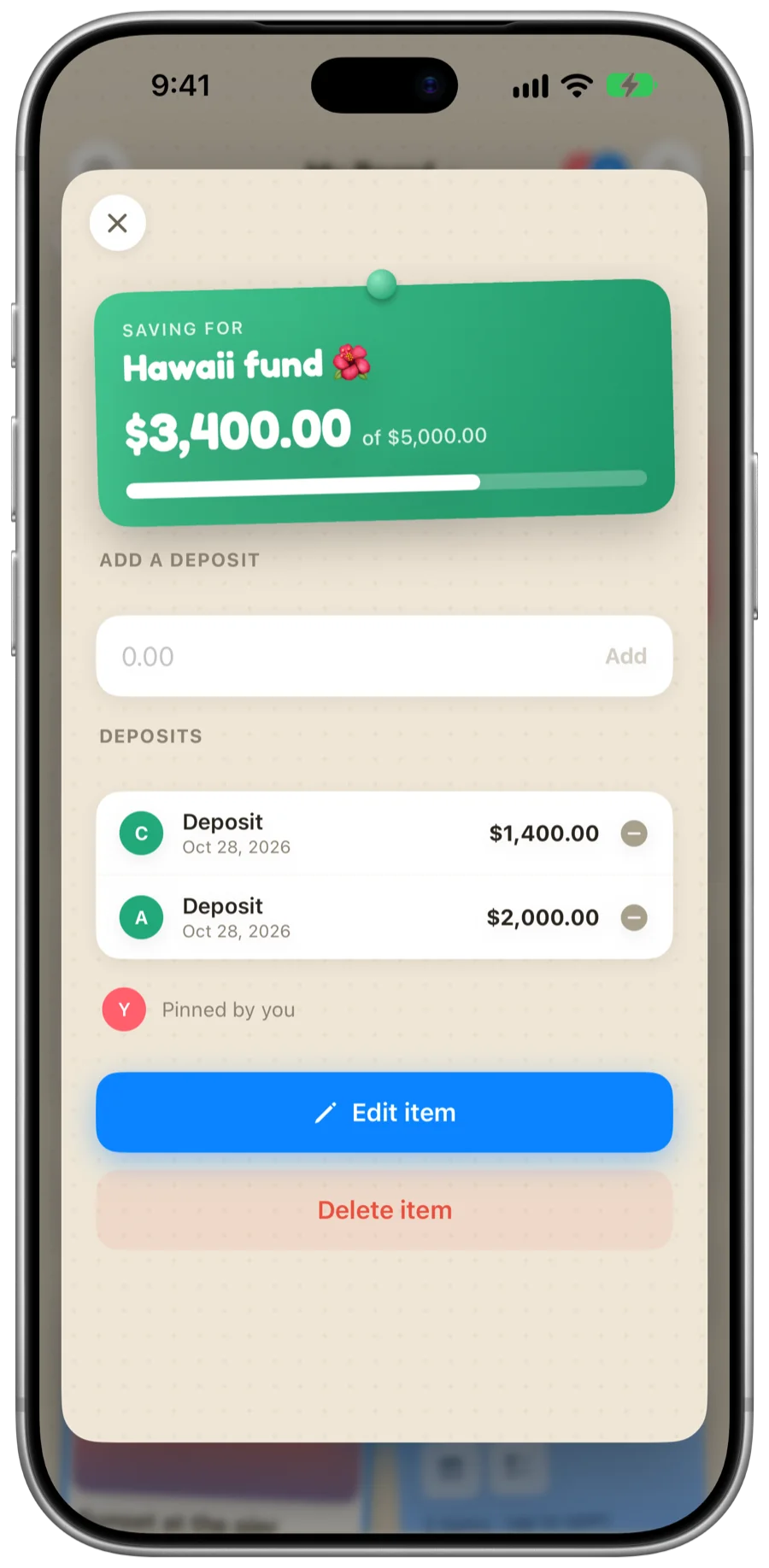
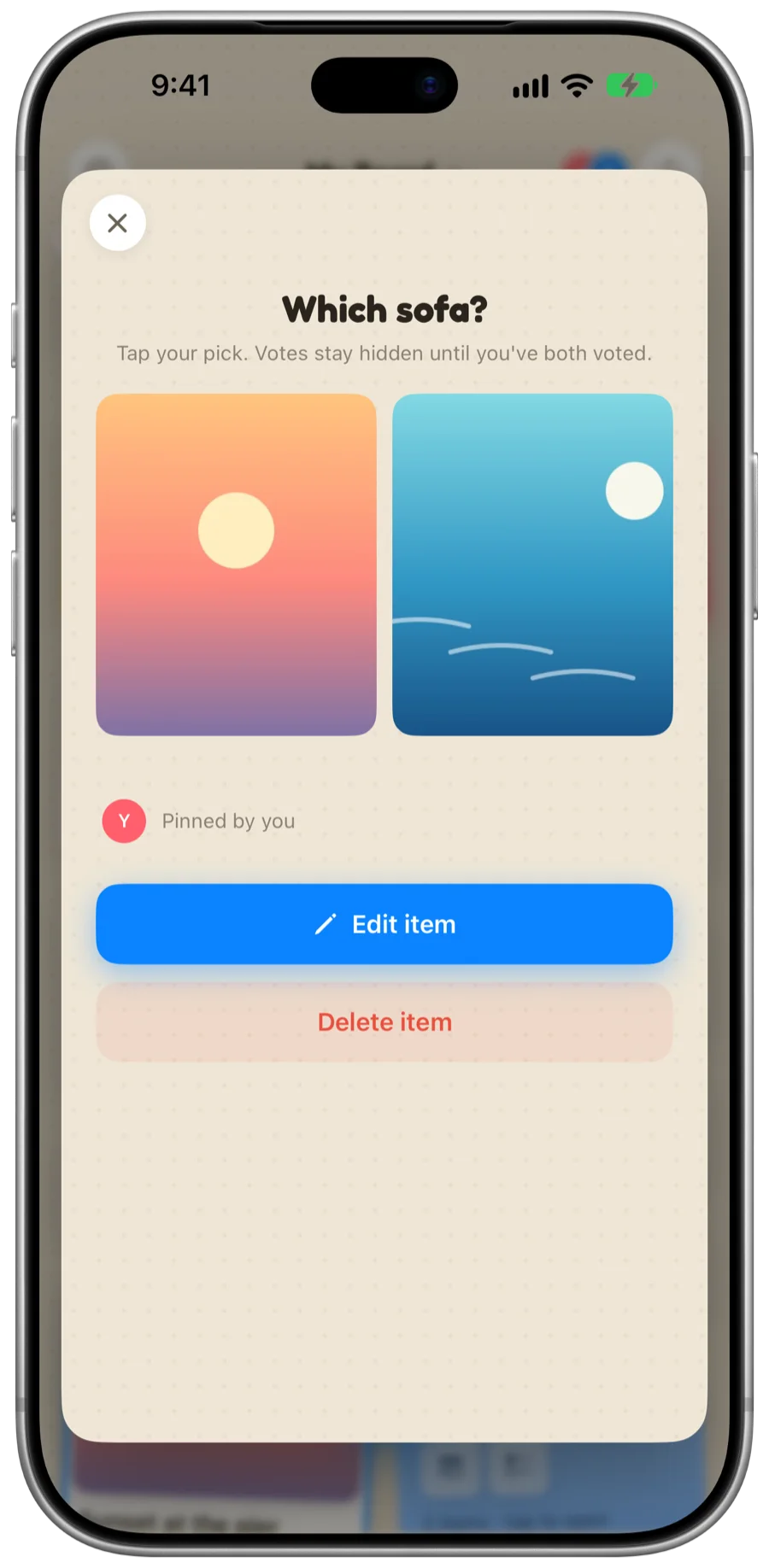
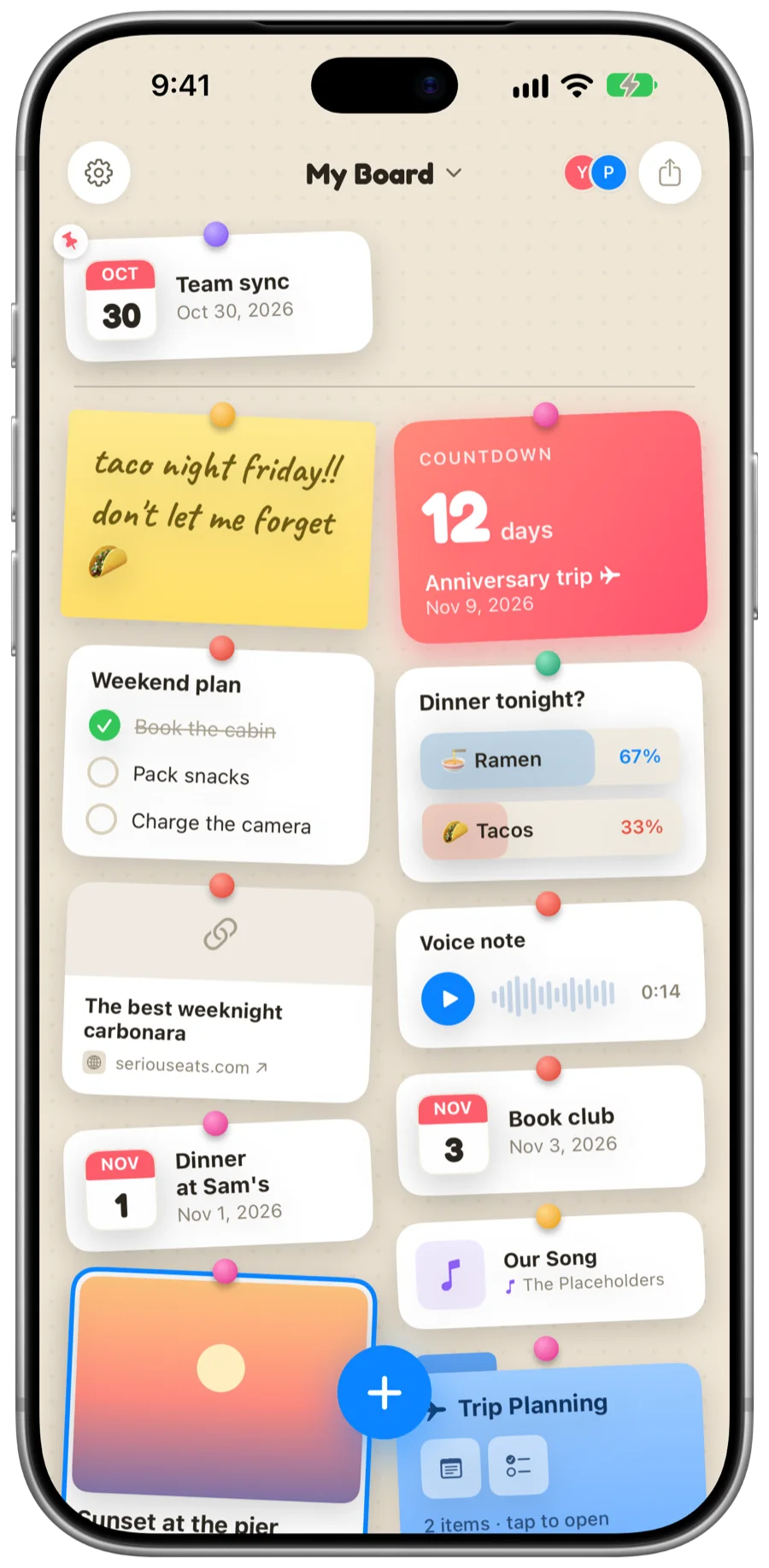
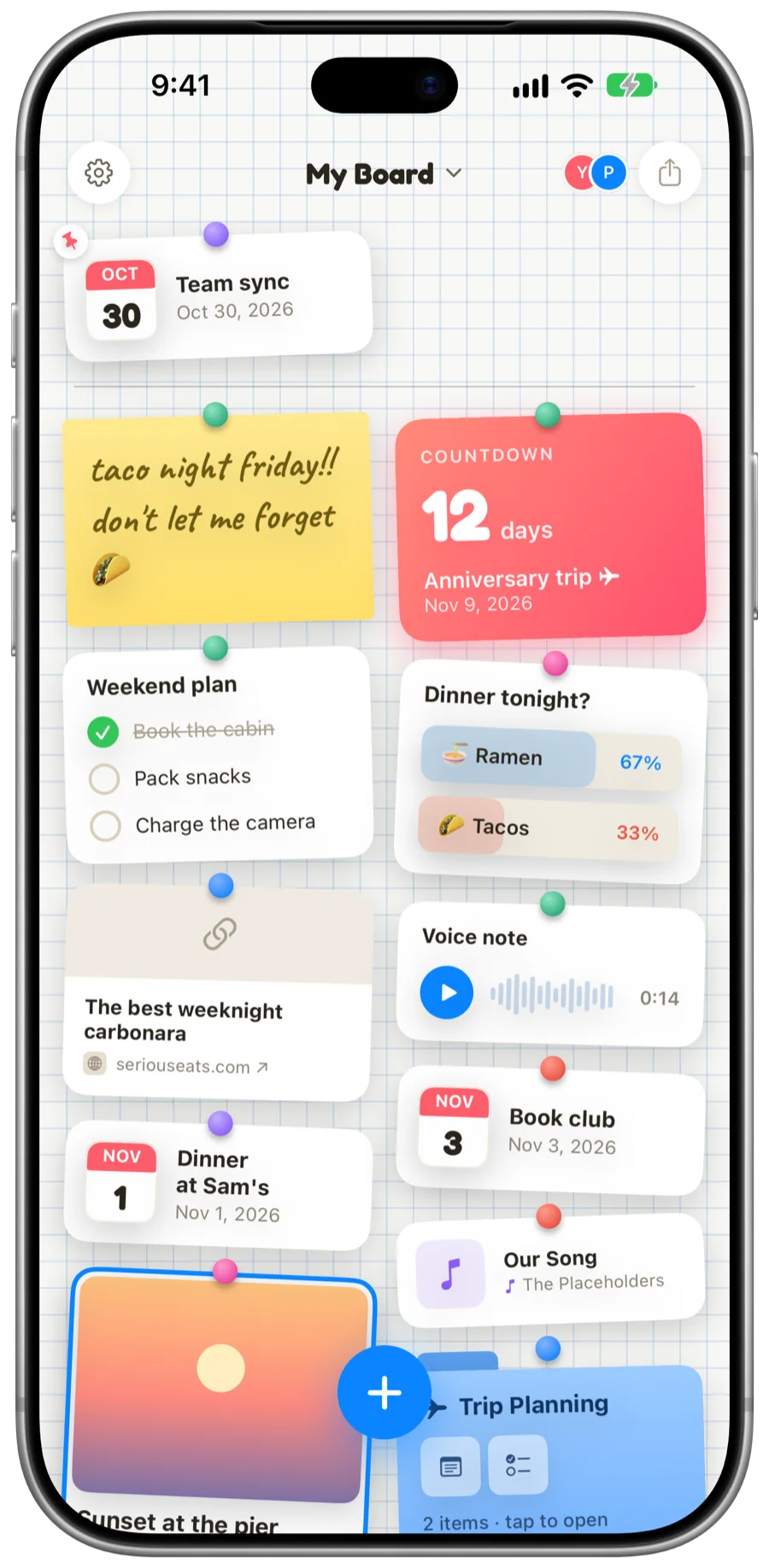
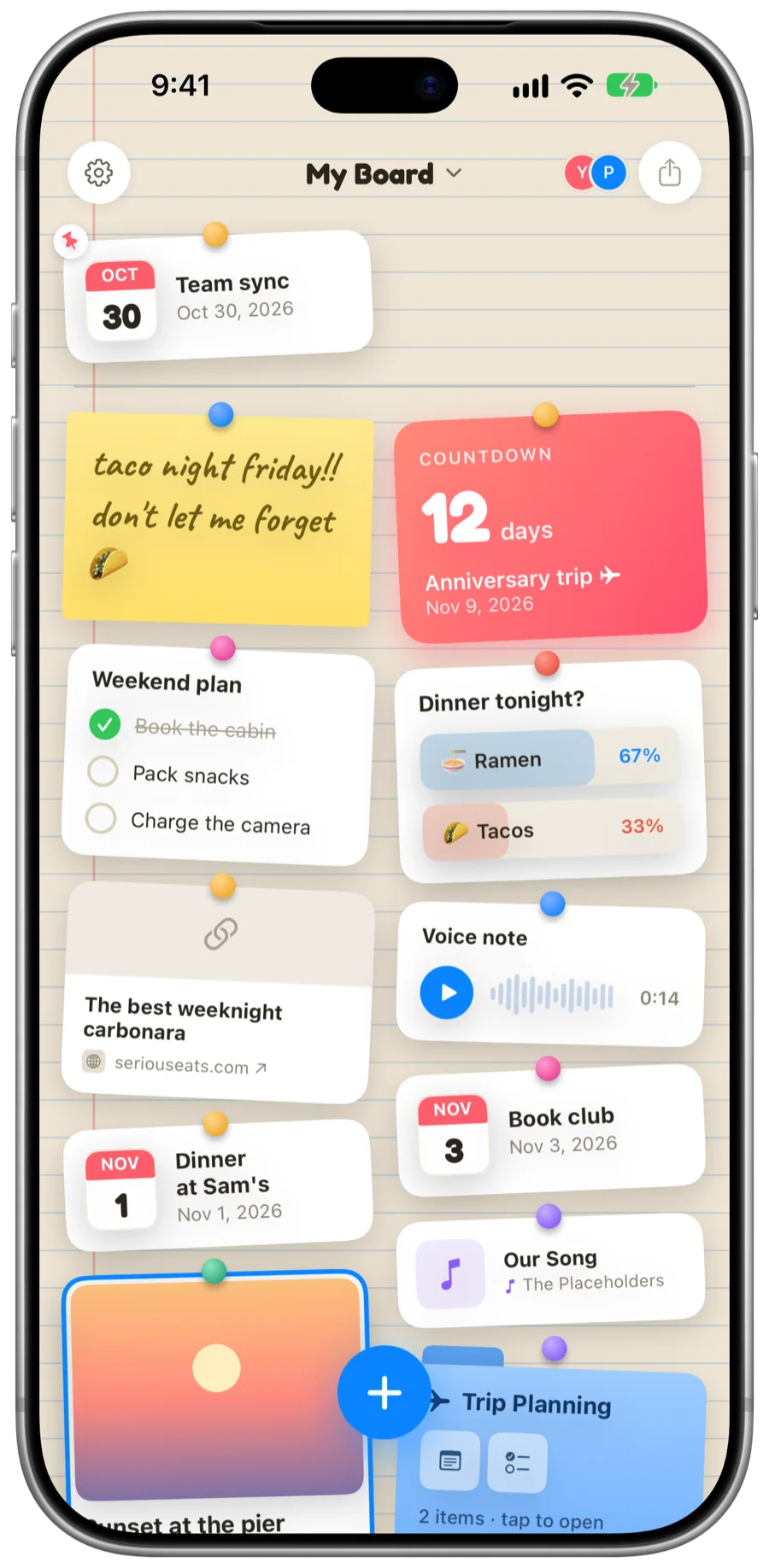
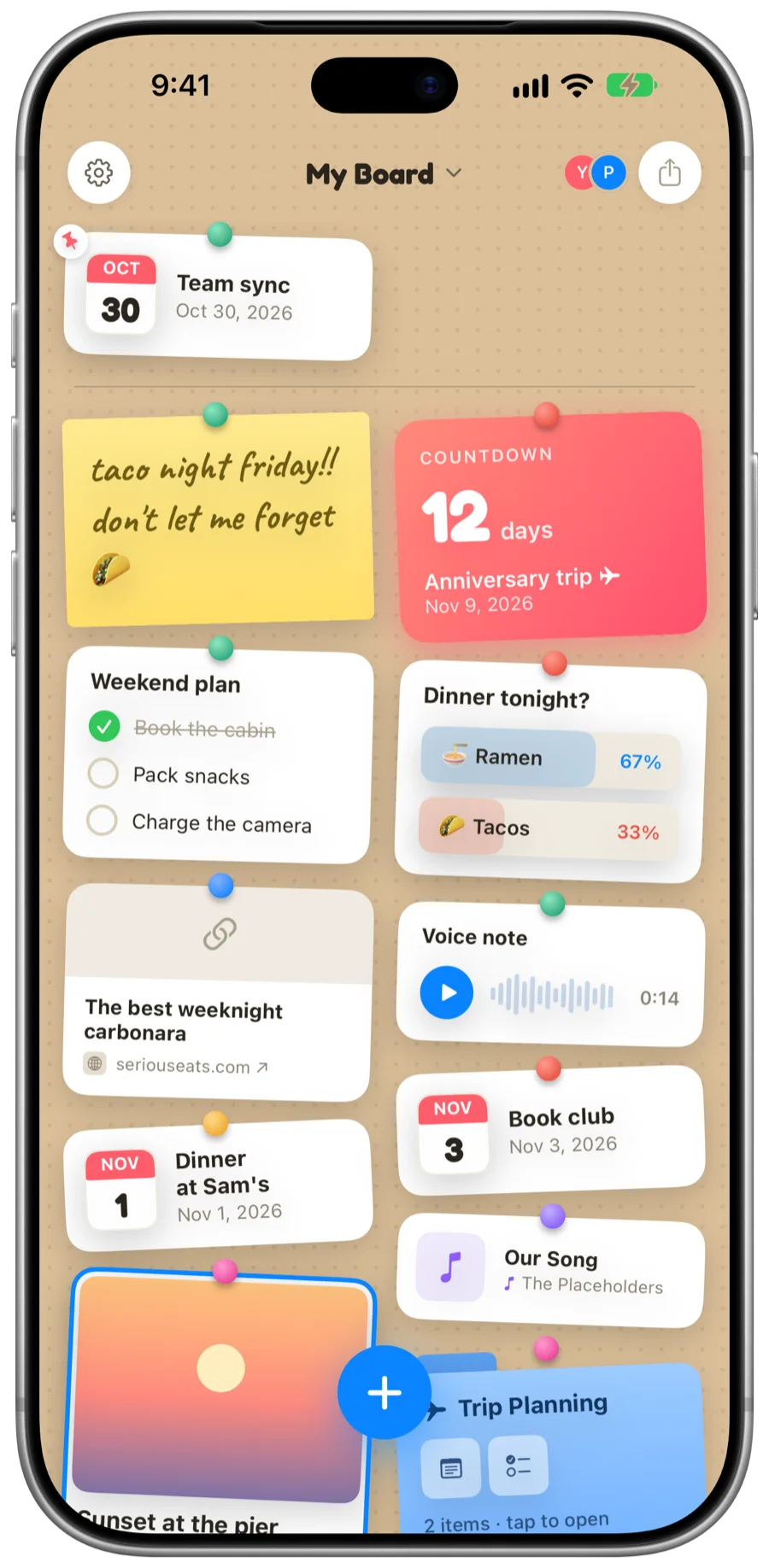
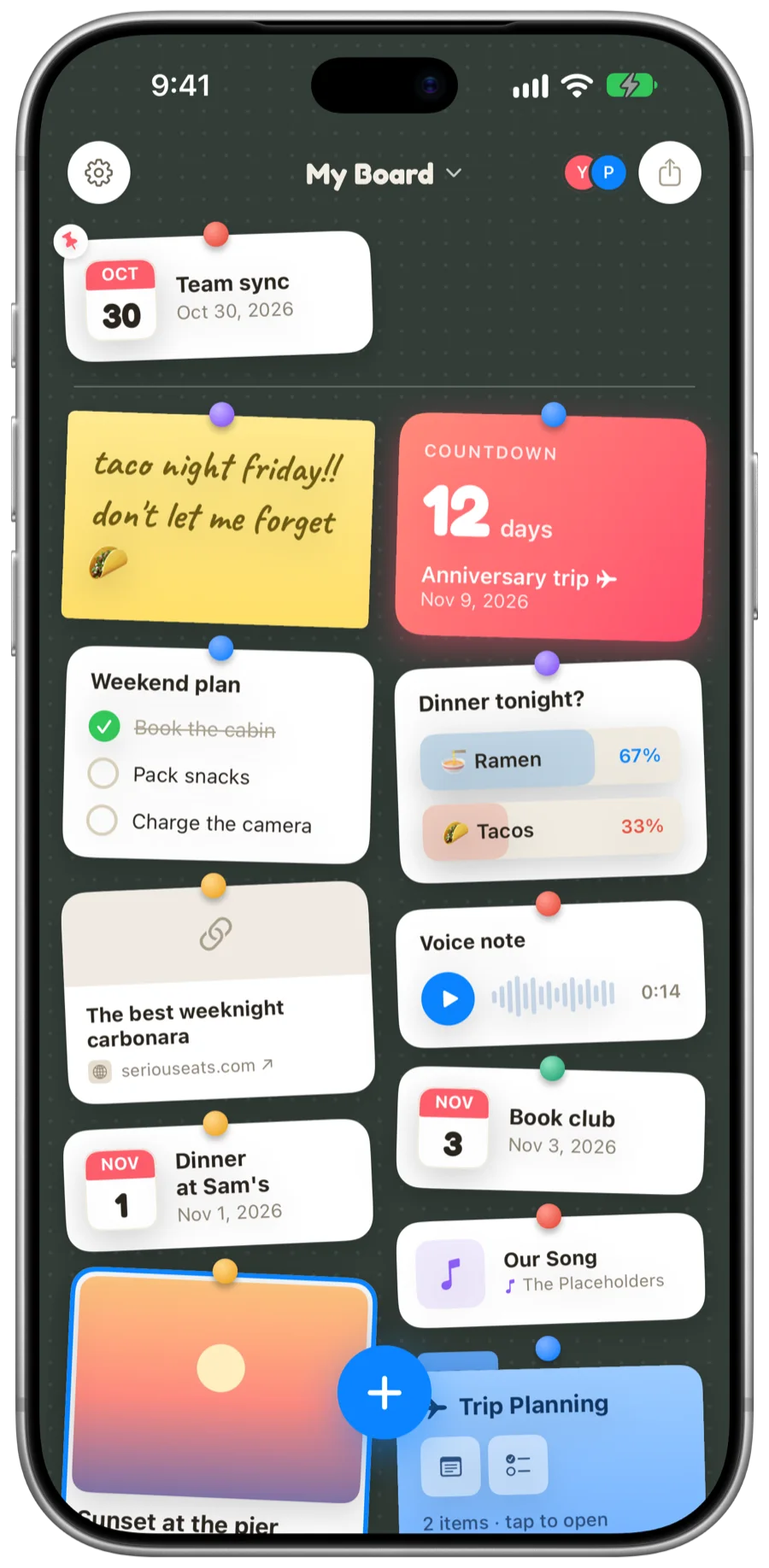
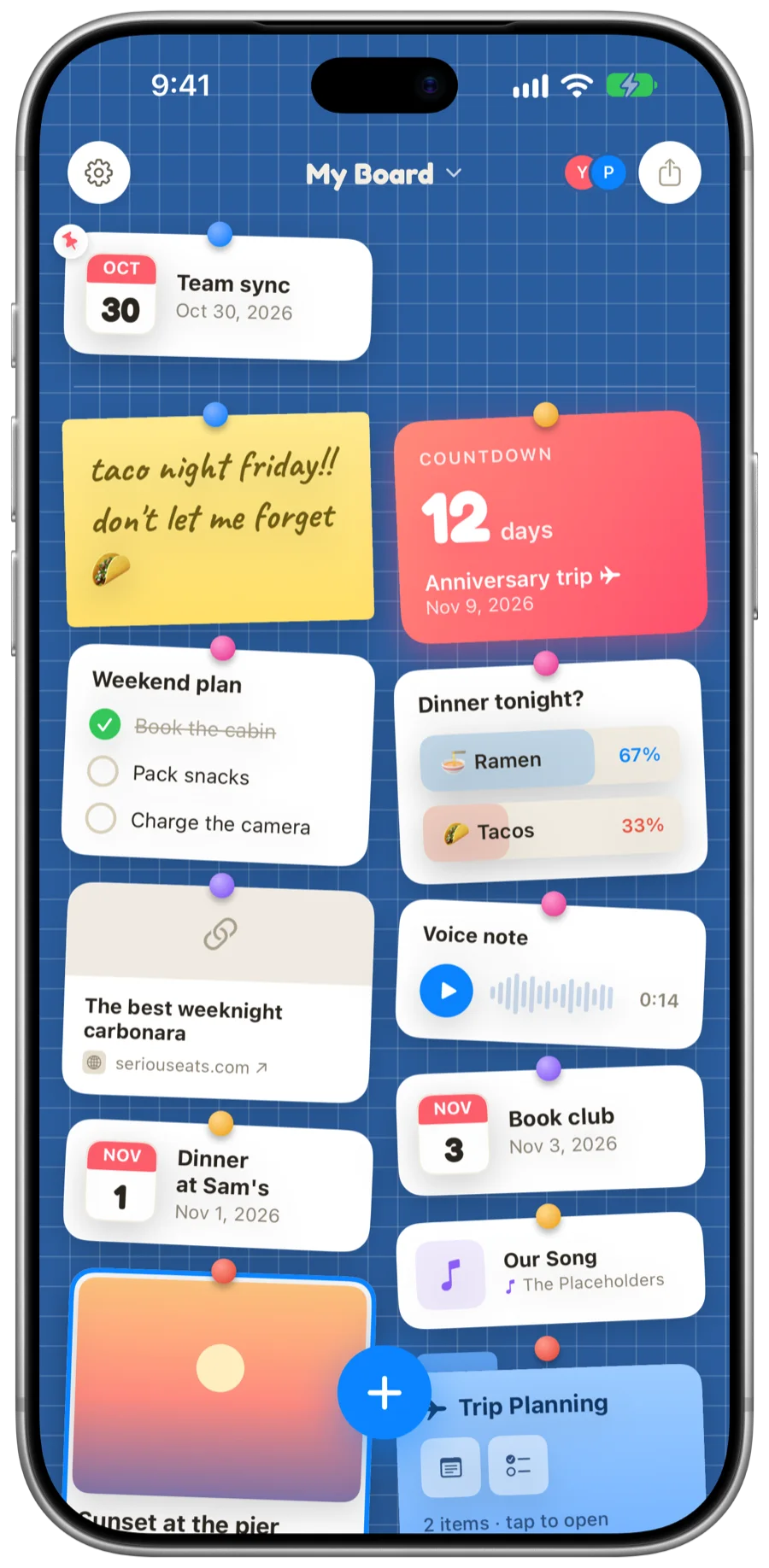
Pick your paper.
Every board gets its own look, with a tint to match. It syncs for everyone on the board.
- Cork
- Graph paper
- Lined paper
- Kraft
- Chalkboard
- Blueprint
Invite your people. Only you need Pro.
Share any board through iCloud. The people you invite join for free, and you choose who can edit and who can only look.
Roles Owner, can edit, or view only.
Heads-up A notification when someone pins something.
Messages Send a pin into the conversation.
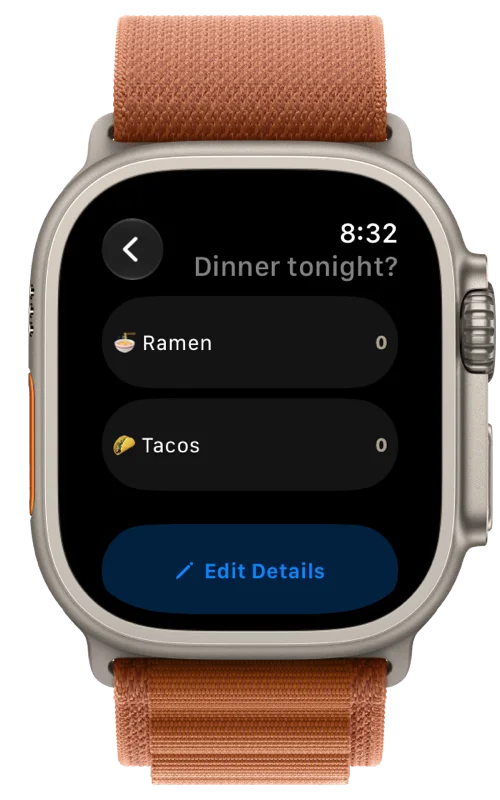
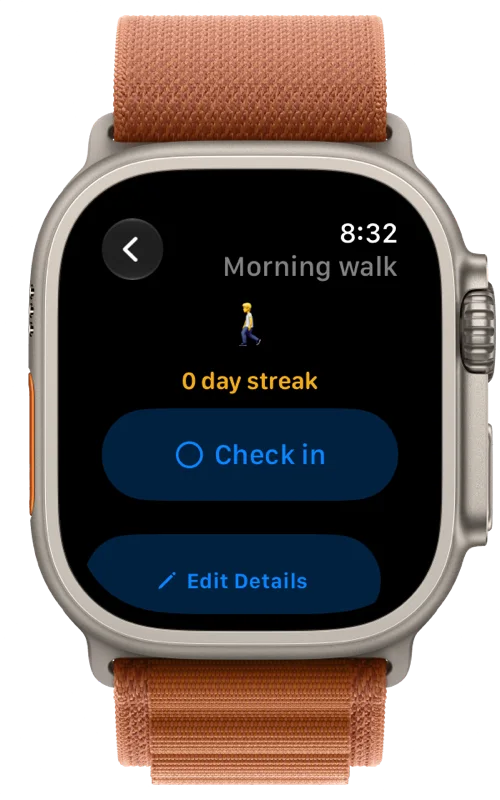
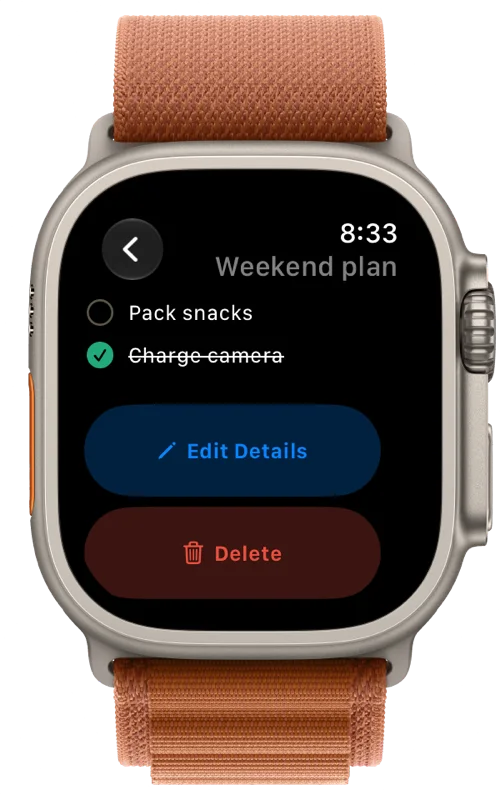
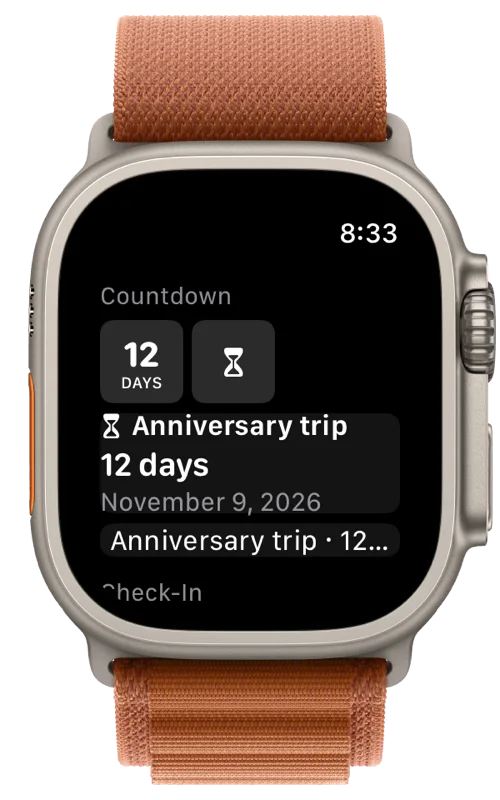
Your board, on your wrist.
Vote, check things off and record a voice note. It syncs over iCloud on its own, so your iPhone can stay home.
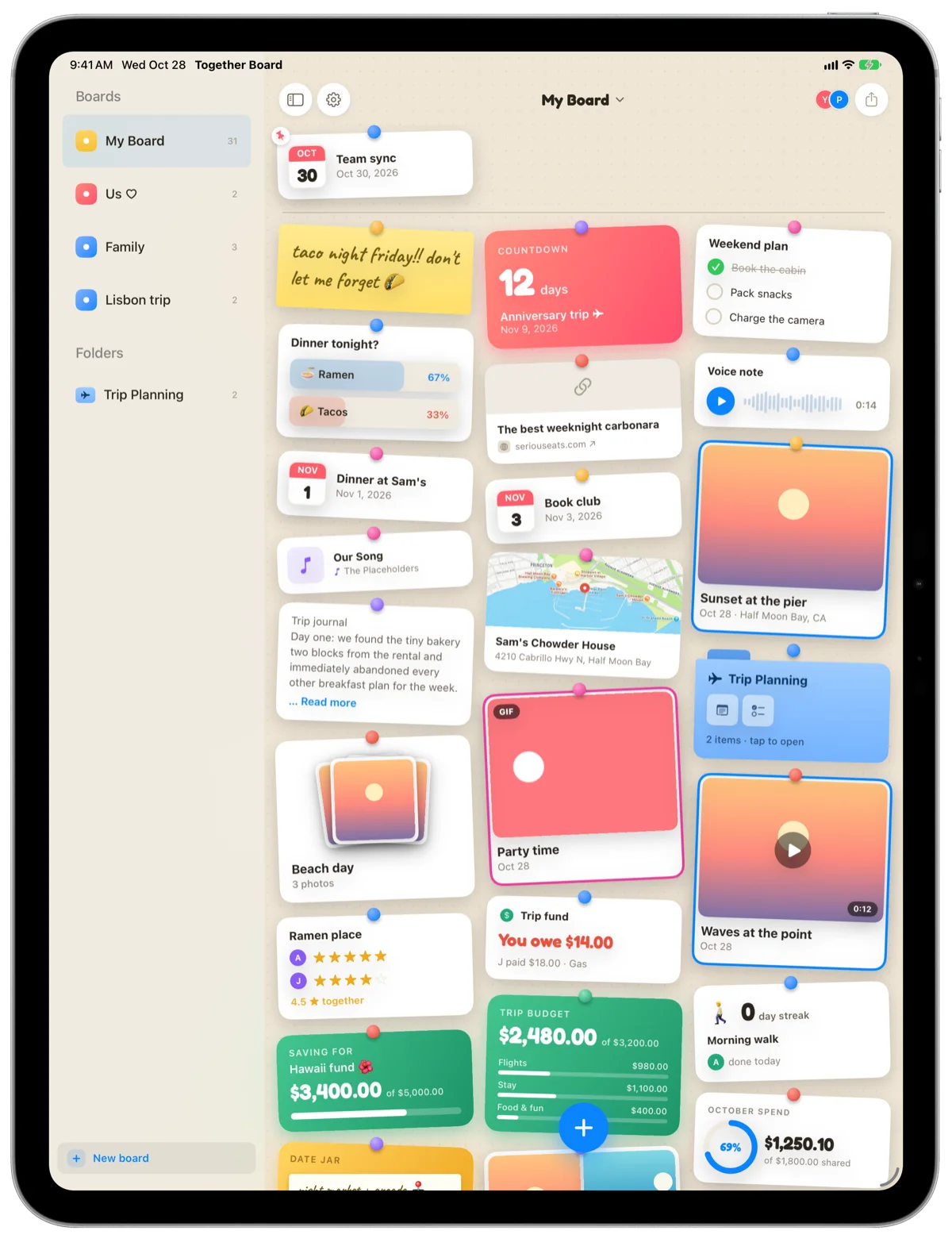
Unfold for the whole board.
Your boards move into a sidebar beside a grid of up to three columns. Fold it up and you're right where you left off.
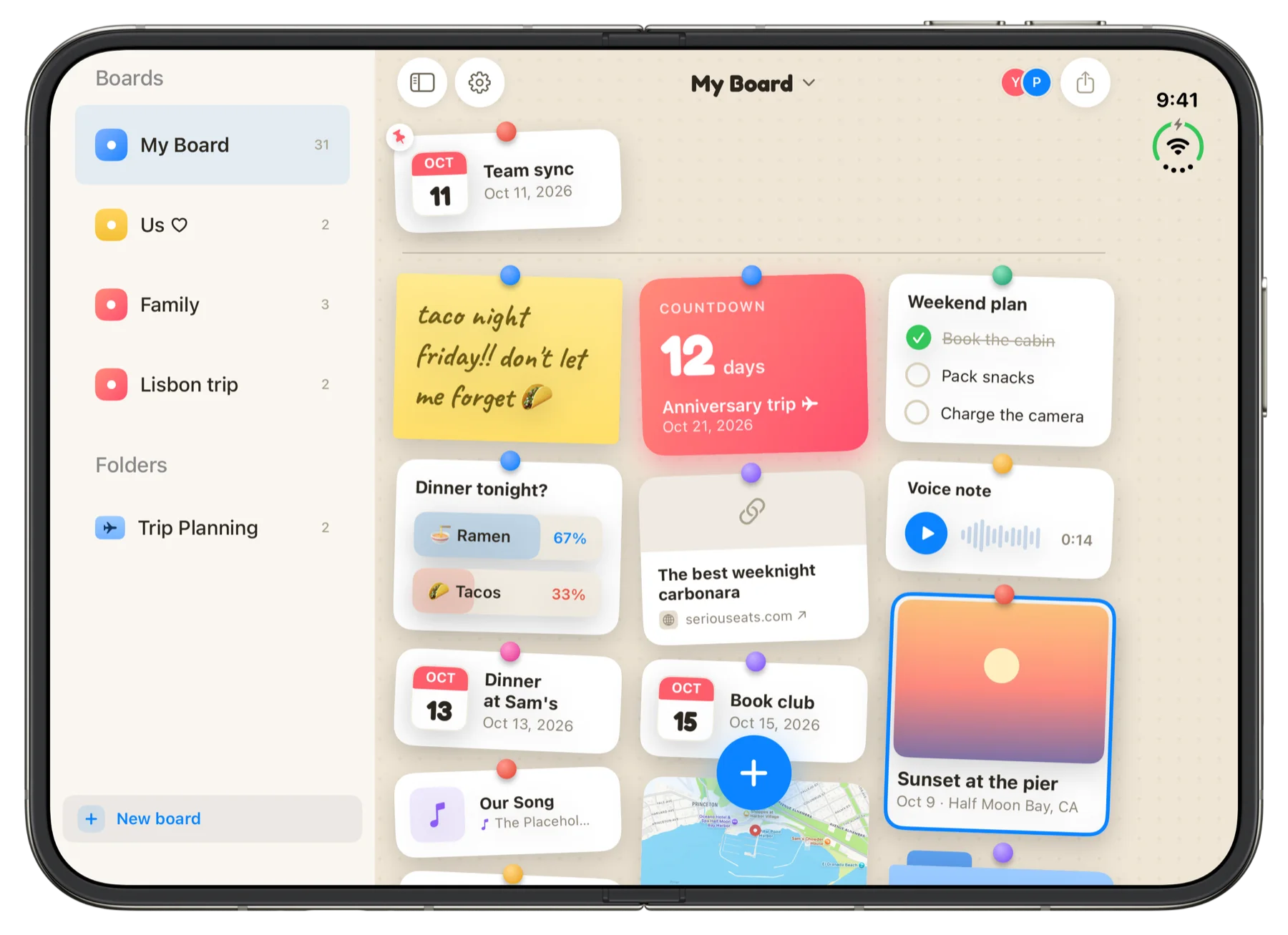
More room to pin.

Handwriting, ten feet tall.
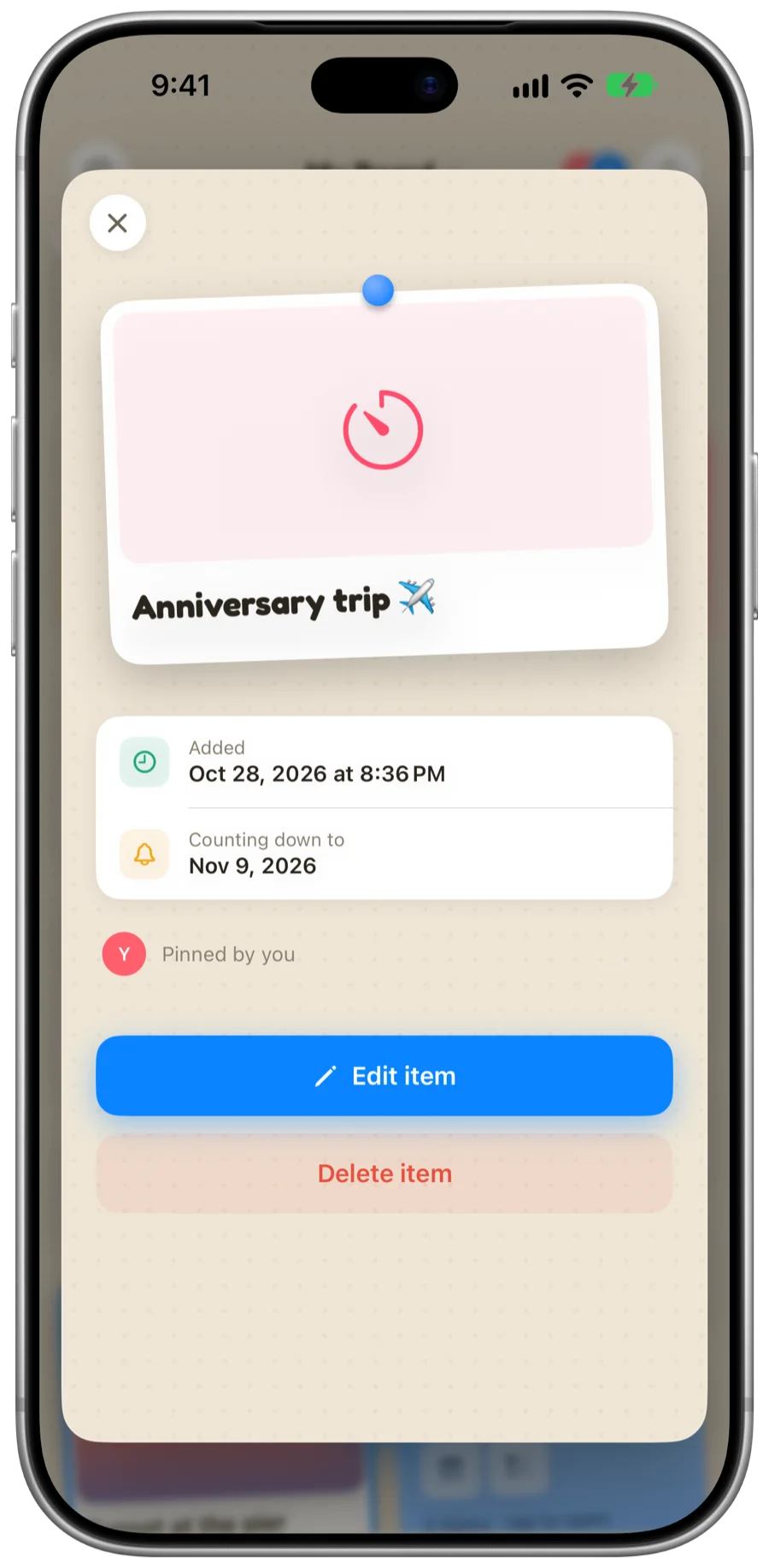
Every photo, note and countdown you've pinned, up on the TV in the living room and always in sync.
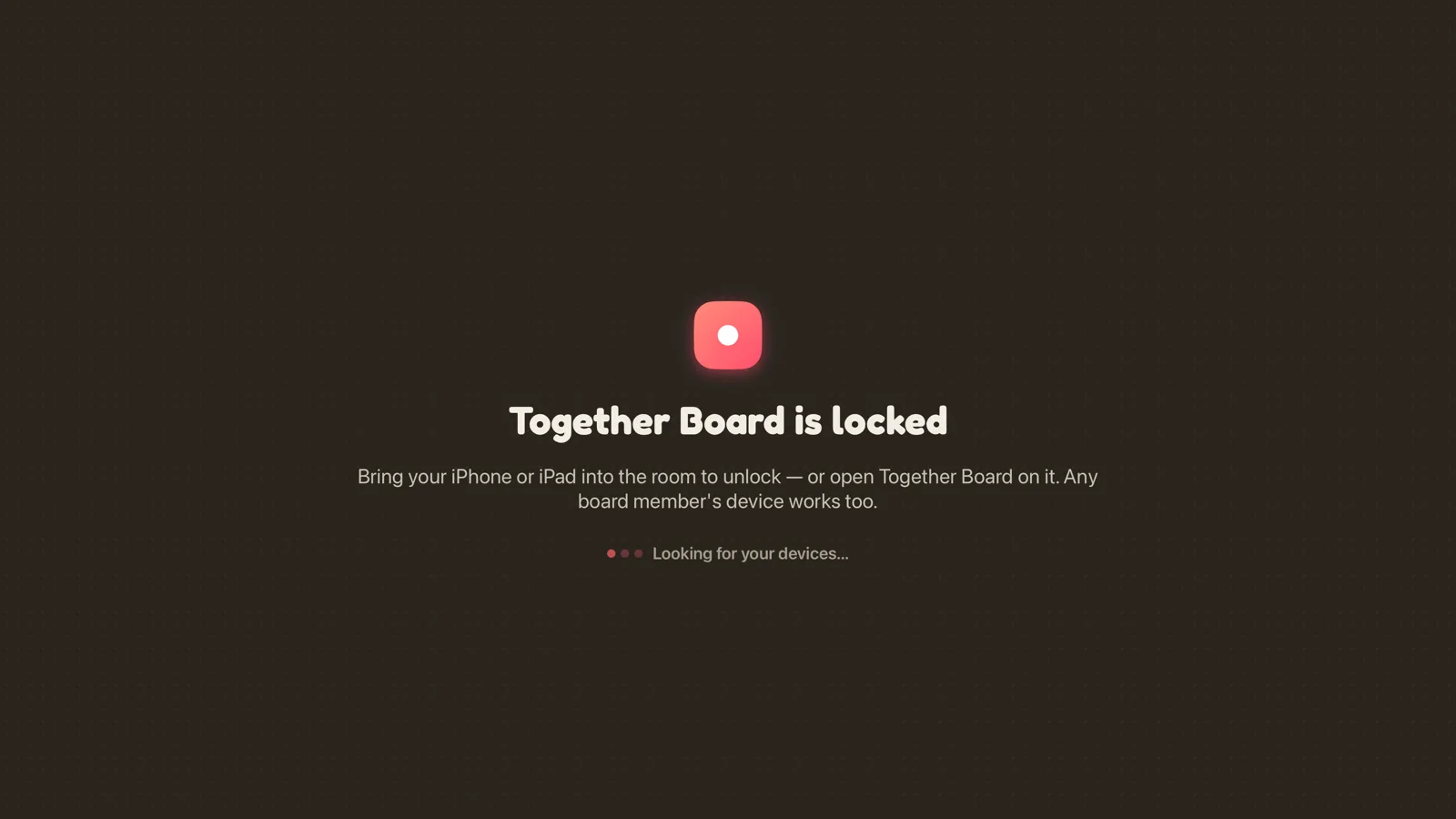
Locked until you walk in.
Protect a board and the TV keeps it covered until a board member's iPhone or iPad is in the room. No passcode to type.
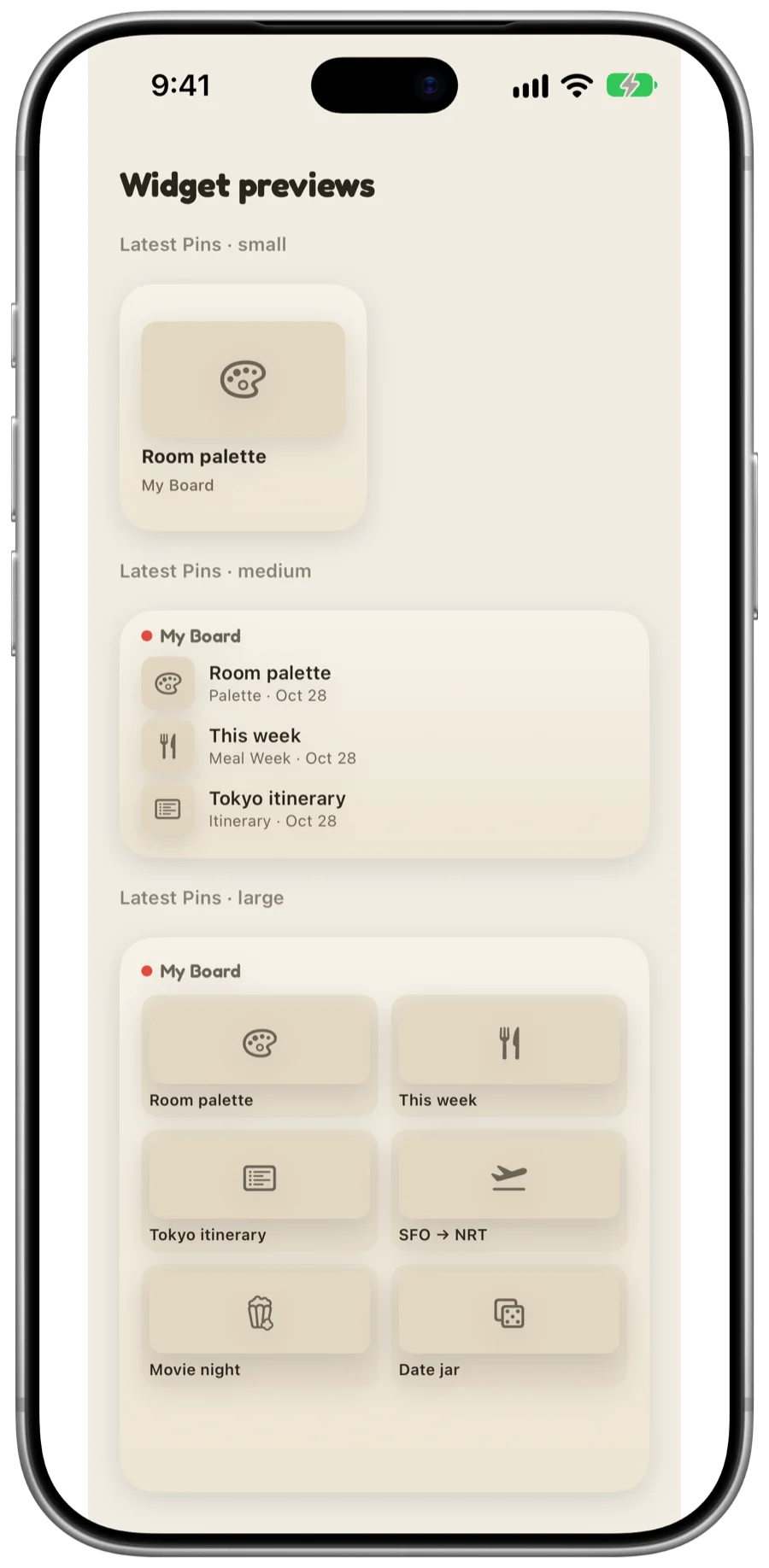
On your Home Screen, in Search, and a word to Siri.
Widgets show your latest pins and the next countdown, and you can check in right from the Home Screen. Pins show up in Spotlight. Ask Siri what's on your board.
Pick your icon.
No account. No feed. No server.
Boards sync through your own iCloud, straight to the people you invite. We never see your pins. And when the lights go down, the board turns warm and dark with the rest of your device.
Free to start.
Free
$0
- My Board, with 3 pins
- Every kind of pin
- Join boards others share
Pro
$9.99 / year
- Unlimited boards and pins
- Share boards with your people
- One-week free trial
Lifetime
$39.99 once
- Everything in Pro
- Pay once, keep it
- No subscription
Pro and Lifetime work with Family Sharing. Downgrading never deletes anything.